32 33
AgfaPhoto OPTIMA 147 AgfaPhoto OPTIMA 147
32 33
AgfaPhoto OPTIMA 147 AgfaPhoto OPTIMA 147
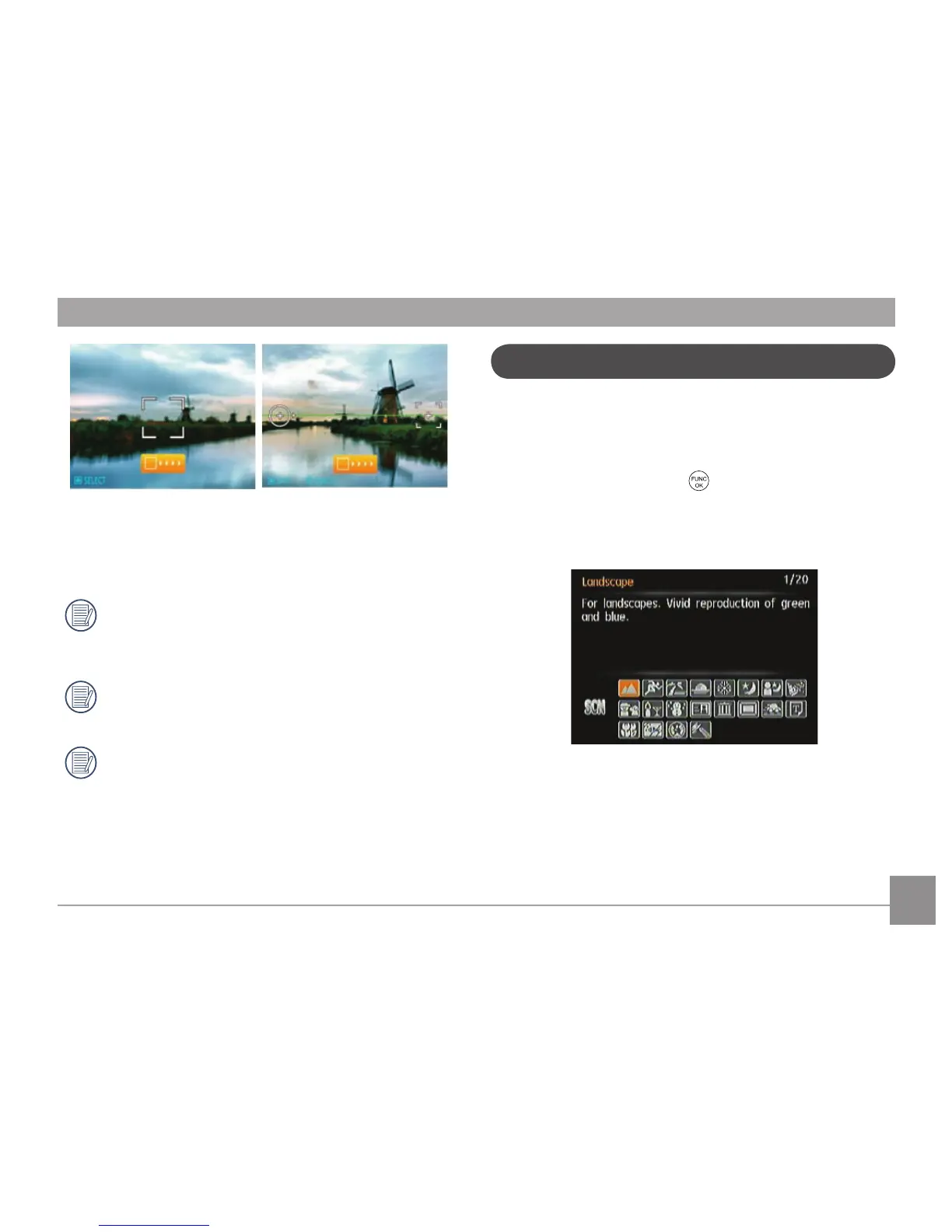
The camera will then stitch the pictures into a panorama
automatically. Press the playback button to enter Playback
mode and review the panorama result.
After selecting Panorama mode, Flash, Self-timer,
Macro mode and Exposure Compensation can’t be
adjusted.
While in panoramic mode, press the Delete button to
cancel shooting.
Panorama Mode can stitch 2 or 3 maximum pictures.
In Manual Scene mode, you can select from a total of 20
scene types to match your needs. The camera will adjust
the optimal settings for that scene type.
Press Mode button, use Left/Right button to enter Scene
Selection mode menu, press
button to enter Scene
Selection mode, the following figure will display on LCD
screen:
Scene mode













 To Next Page