38 39
AgfaPhoto OPTIMA 147 AgfaPhoto OPTIMA 147
38 39
AgfaPhoto OPTIMA 147 AgfaPhoto OPTIMA 147
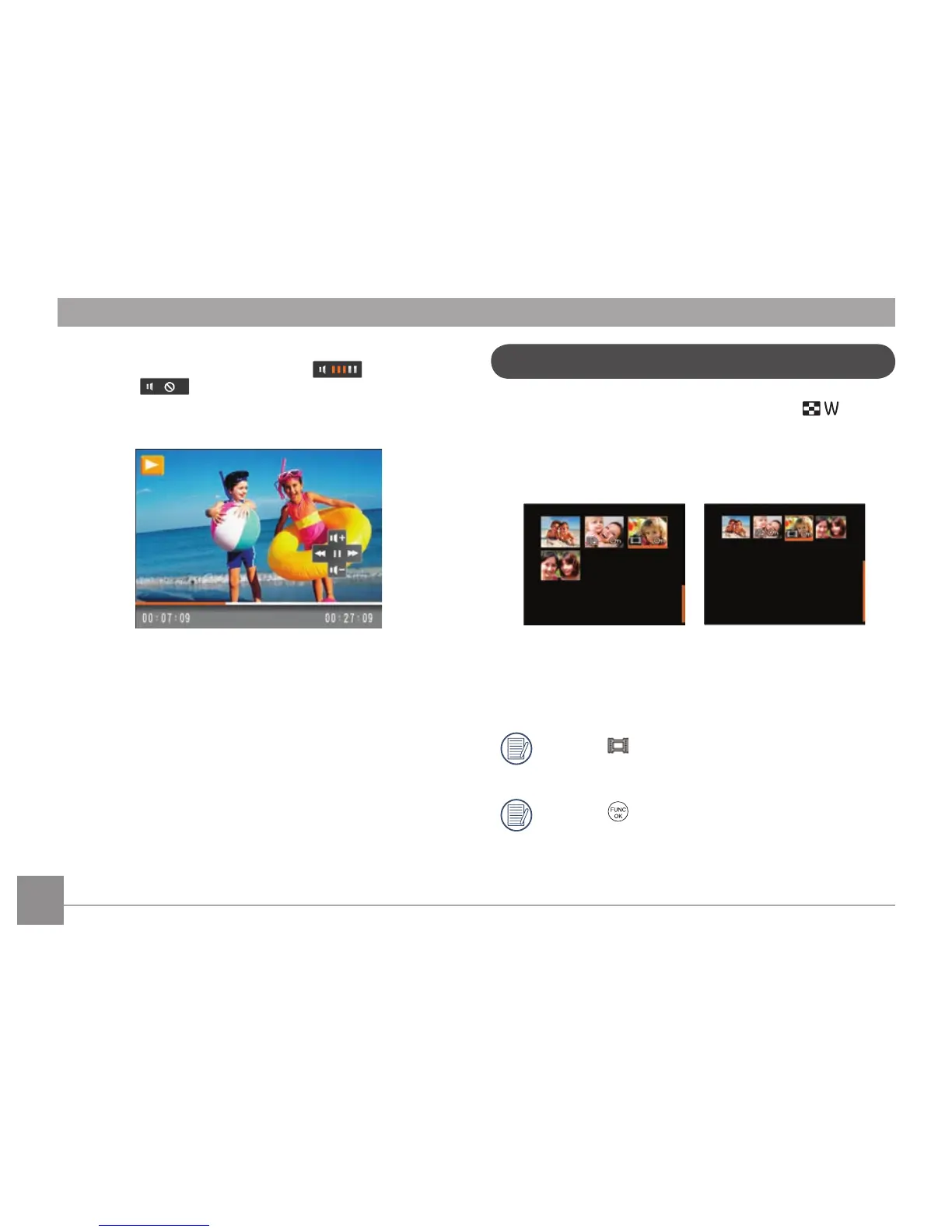
When playing a stored video, press the Up/Down arrow
button to adjust the playback volume ; or to mute
the volume .
Thumbnail View
In the playback mode, slide the zoom lever to , the
photos and video thumbnails will display on the screen.
1.
Slide the zoom lever to switch between 3x3 and 4x4
thumbnails.
2. When displaying 3x3 and 4x4 thumbnails, press the
Up/Down/Left/Right button to select a picture or video
clip to view.
When the
icon appears on the LCD screen, a
movie file is currently being displayed.
Press the
button to restore a preview icon to its
original image size.













 To Next Page