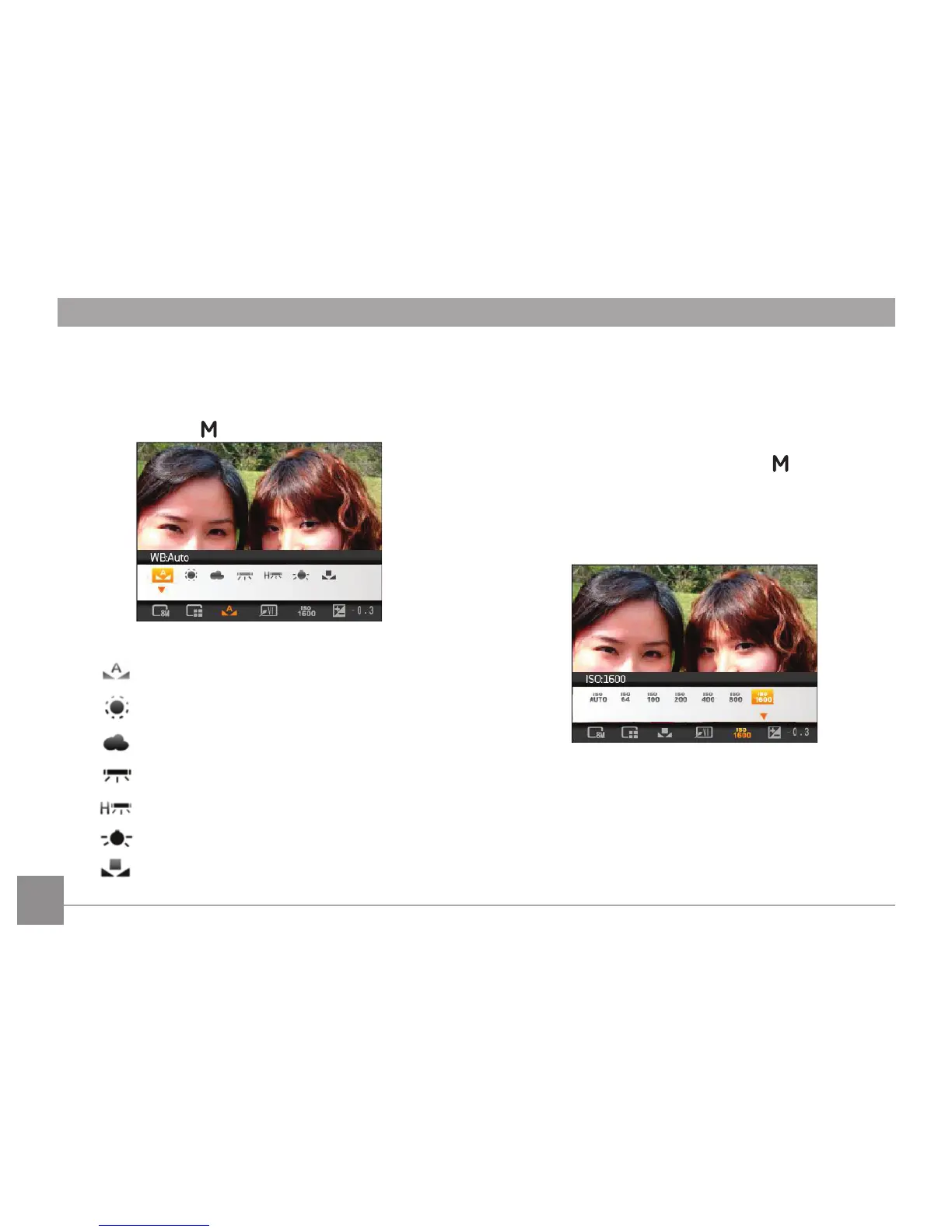
WB (White Balance)
The White Balance allows you to adjust the color
temperature under different light source to ensure correct
color reproduction. (The WB setting is only available when
the camera is in the
Manual mode).
The options of White Balance include:
•
WB : Auto
•
WB : Daylight
•
WB : Cloudy
•
WB : Fluorescent
•
WB : Fluorescent CWF
•
WB : Incandescent
•
WB : Manual (Press the shutter button to set
WB)
ISO
The ISO function allows you to set the sensitivity of the
camera sensor based on the brightness of the scene. To
improve the performance in darker environments, a higher
ISO value is required. On the other hand, a lower ISO value
is needed when in bright conditions. (The ISO setting is
only available when the camera is in the Manual
mode).
Pictures at higher ISO will naturally have more noise than
those at lower ISO.
The options of ISO include automatic, 64, 100, 200, 400,
800 and 1600.













 To Next Page