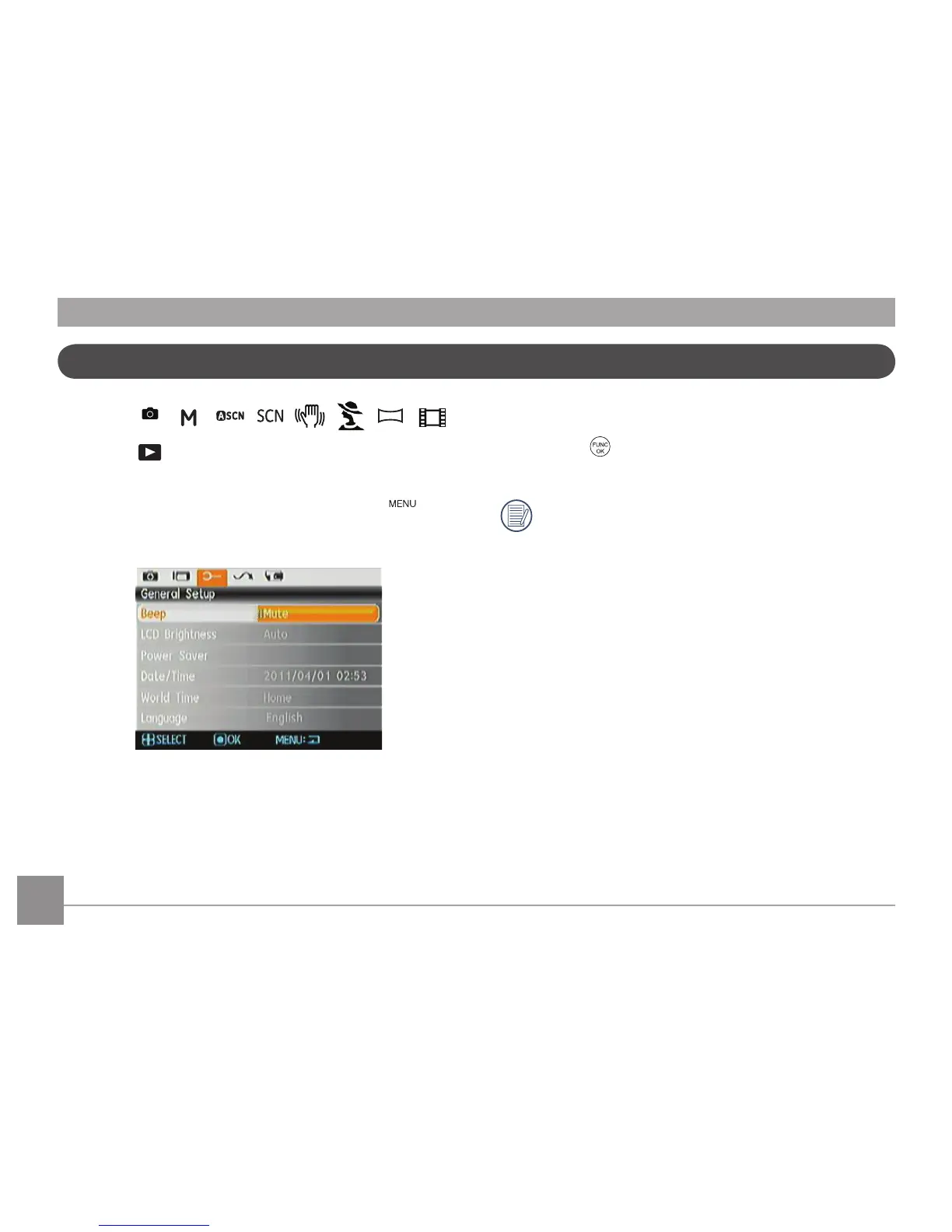
The Setup menu for the camera is available in all modes.
Each menu page can be selected by pressing the
button and switching between menus with the Left/Right
button.
To adjust the settings:
1. Select the menu page with the function you want to
adjust and press the Down button.
2.
Switch between different functions with the Up/Down
button.
3.
Press the
or the Right button to enter the
submenu.
After selecting a function option, you can press the
Up button to return to the menu for other Camera
Setup pages. Or you can press the Down button to
switch to the next menu page.
Refer to the following pages for more details about each
setting.













 To Next Page