20 21
AgfaPhoto OPTIMA 147 AgfaPhoto OPTIMA 147
20 21
AgfaPhoto OPTIMA 147 AgfaPhoto OPTIMA 147
Press the Left/Macro button to enter the close-up photo
selection interface, press the Left/Right button to switch
between two close-up shooting modes:
•
Macro : On
Select this to focus on subjects 5cm from the
lens.
•
Macro : Off
Select this option to disable Macro.
Macro Mode
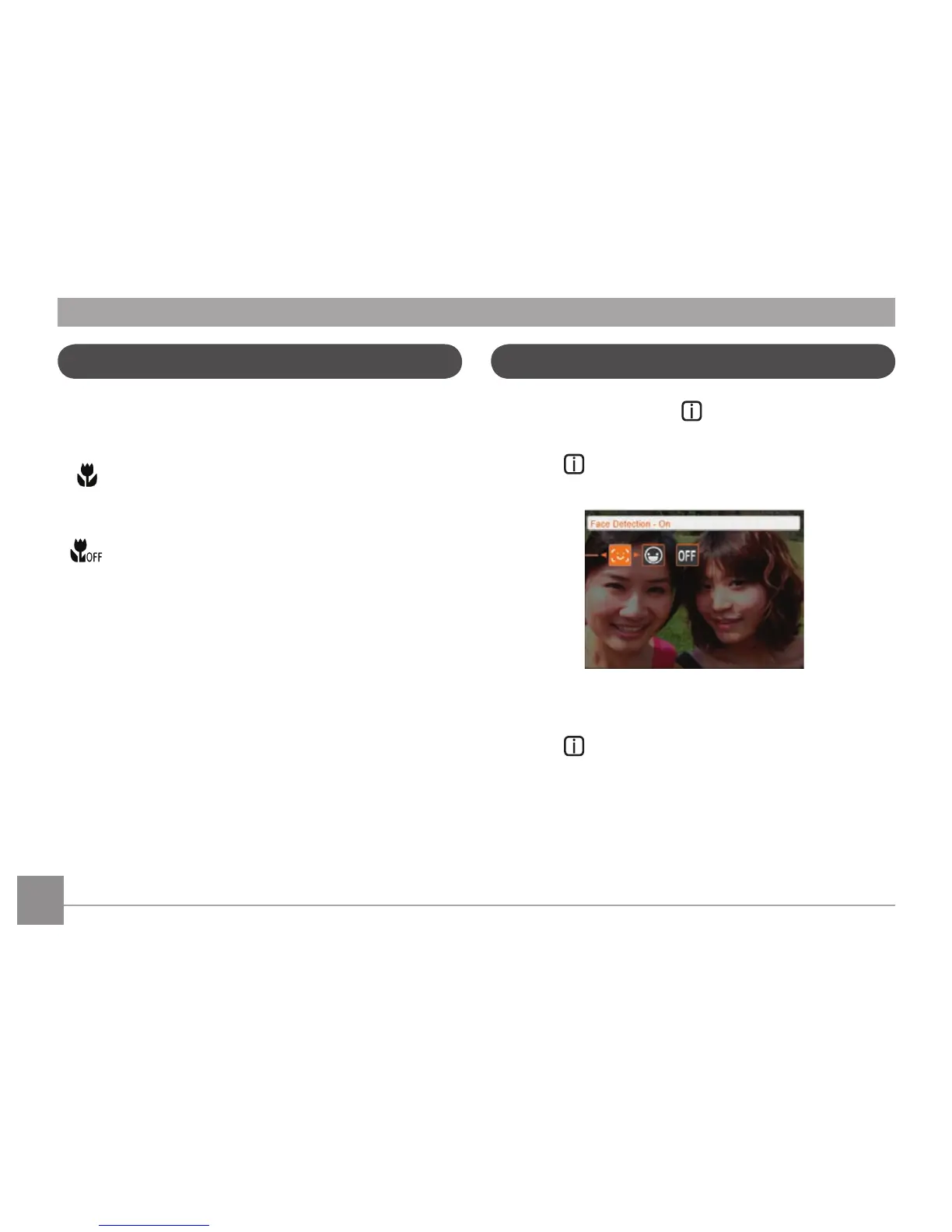
i button function
In Shooting mode, pressing key can select the
functions of face detection and smile shooting.
1.
Press
key to enter function menu.
2. Press Left/Right button to select the function that you
need to set.
3. Press
button to enable this function and quit the
menu.













 To Next Page