40 41
AgfaPhoto OPTIMA 147 AgfaPhoto OPTIMA 147
40 41
AgfaPhoto OPTIMA 147 AgfaPhoto OPTIMA 147
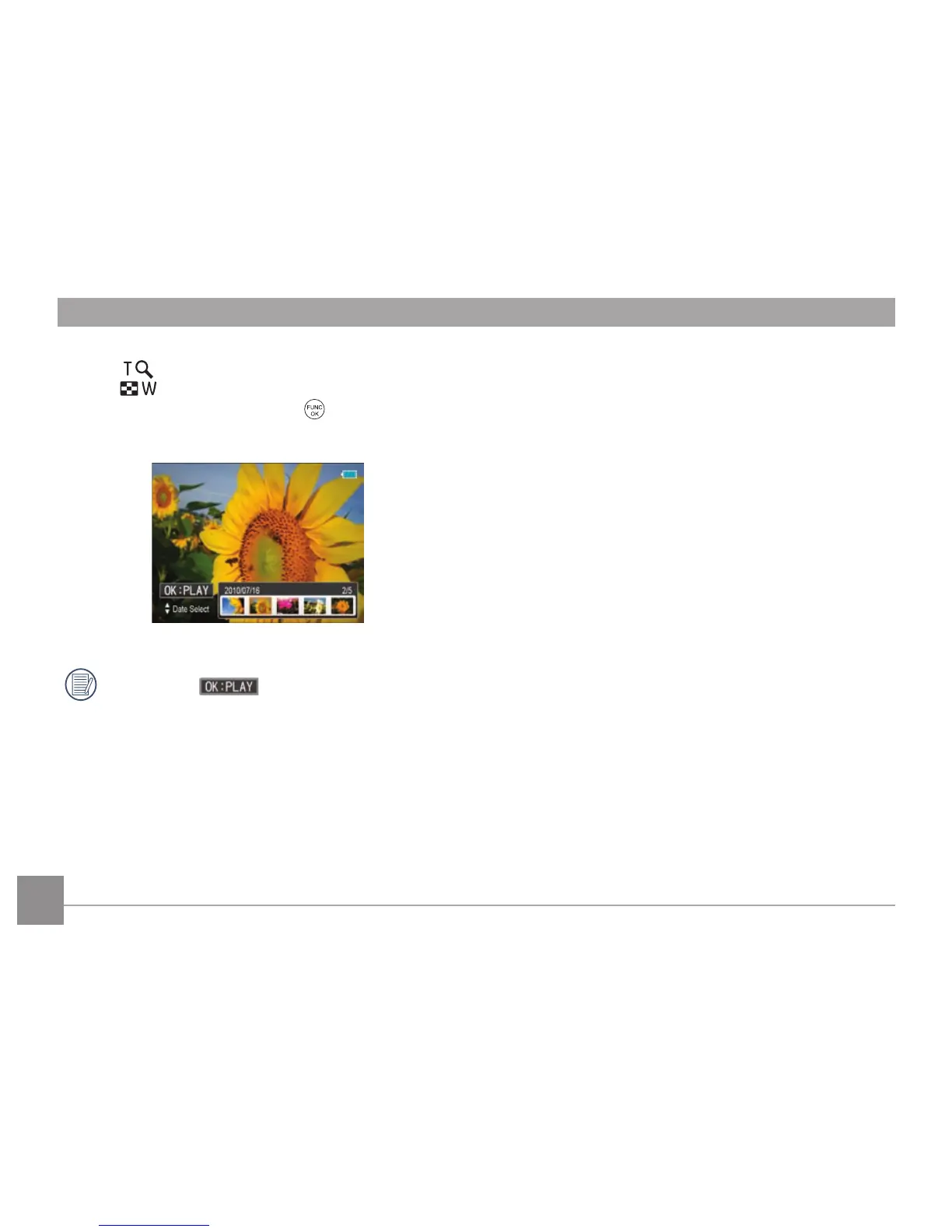
When selecting a date in the date folder, sliding the zoom
lever to
will zoom in on the picture; sliding the zoom
lever to
will first zoom out on the picture then enter
into the date folder index. Press the
button to return to
the original scale.
If it is a video, will display on the screen.













 To Next Page