20
AgfaPhoto OPTIMA 3
20 21
AgfaPhoto OPTIMA 3 AgfaPhoto OPTIMA 3
•
Flash: Forced flash
Flash always fires.
• Flash: Forced off
Flash is turned off.
• Flash: Slow Synchro
This allows you to take pictures of people
at night that clearly show the subject. The
shutter is held open longer to allow more
light to the image sensor.
• Flash: Red-Eye+Slow Synchro
Using this mode for slow synchro shots
with red-eye reduction.
Self-timer/Continuous Capture
•
Self-timer: 2 sec
A single picture is shot 2 seconds after the
Shutter button is pressed.
•
Self-timer: 10 sec
A single picture is shot 10 seconds after
the Shutter button is pressed.
•
Self-timer: Unlimited
Pictures are shot continuously when the
Shutter button is pressed down based on
the Continuous Shot settings in the menu.
(See “Continuous Shot” on page 45).
•
Self-timer: Off
Disables the self-timer.
Macro Mode
•
Macro: On
Select this to focus on subjects 5cm from
the lens.
•
Macro: Off
Select this option to disable Macro.
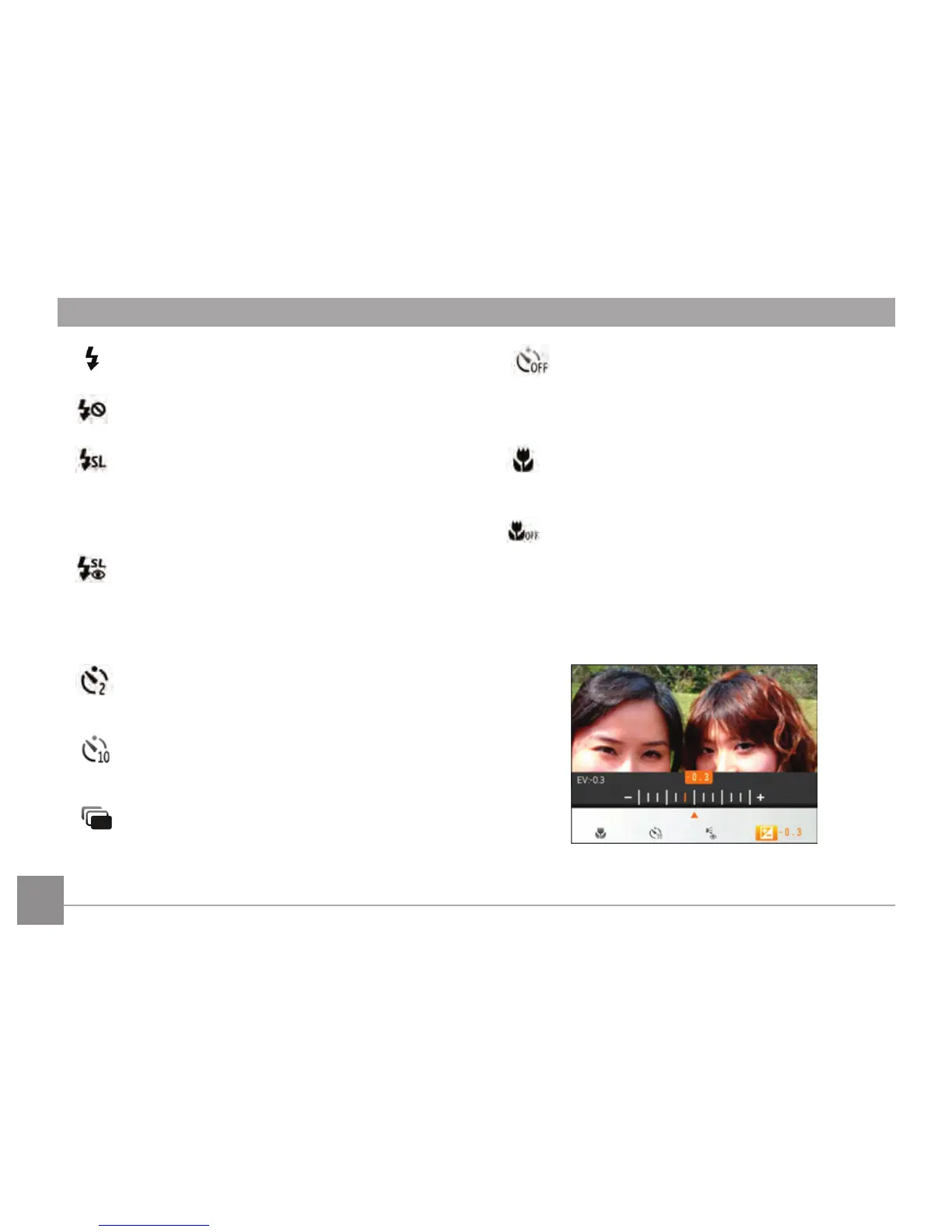
Exposure Compensation
The exposure compensation allows you to adjust
the light exposure value and shoot the best photo.
The adjustable range of exposure value is from EV
-2.0 to EV+2.0.













 To Next Page