45
AgfaPhoto OPTIMA 3
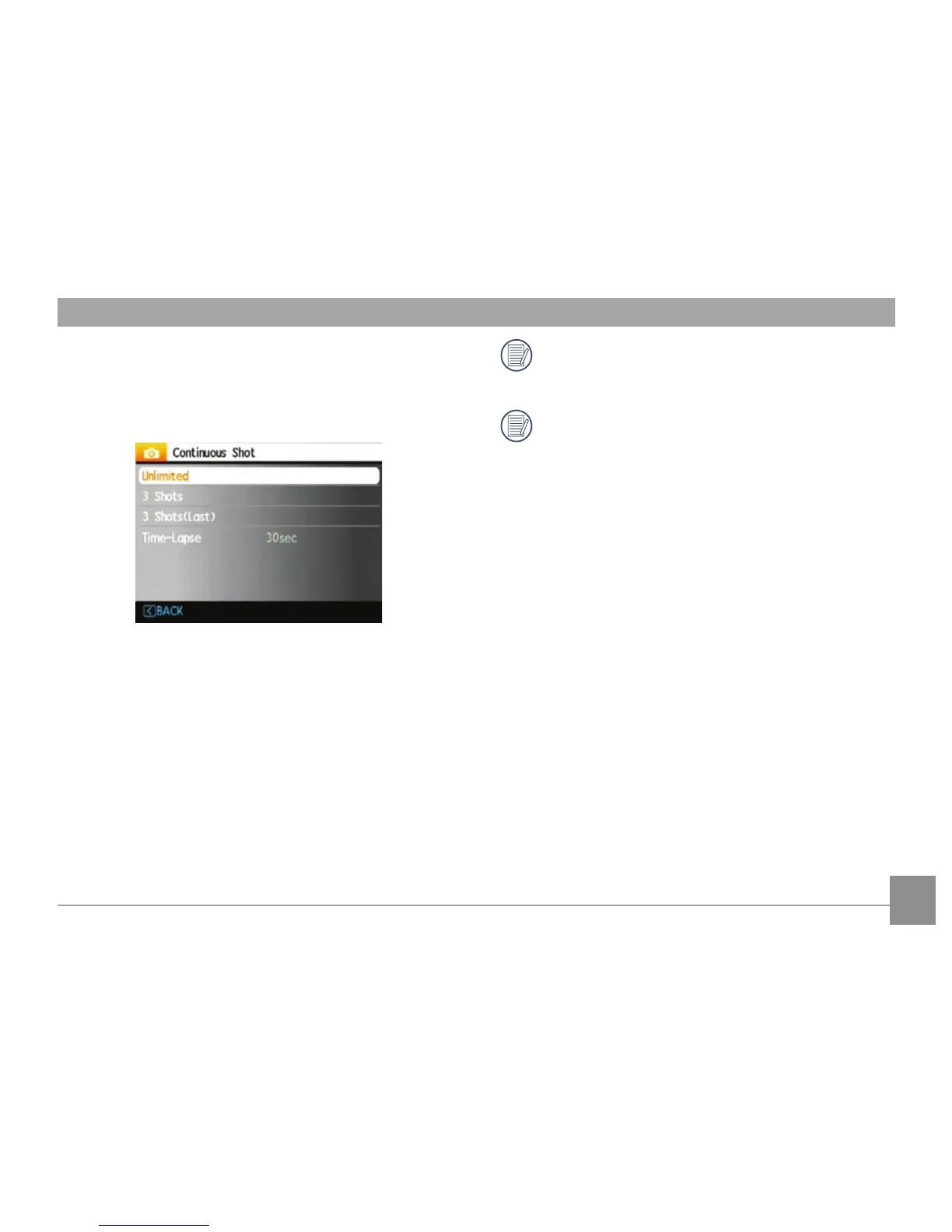
Continuous Shot
Use this setting to perform continuous shooting.
Once in this mode, you must continuously hold
down the Shutter button to take multiple frames.
Four options are available:
•
Continuous shooting: Press and hold the shut-
ter to shoot continuously until you release the
shutter or when the memory card has run out
of space.
•
3 shot: Capture up to 3 consecutive pictures.
•
3 shots (Last): Capture pictures continuously
until the Shutter button is released but only
the last 3 shots are recorded.
•
Time-Lapse: Automatically capture pictures in
a predefined interval.
The flash is designed not to work in this mode
in order to enable quick succession of shots.
Continuous Shot can only be selected in Self-
timer Mode.













 To Next Page