52
AgfaPhoto OPTIMA 3
3. Press the button to select Yes to lock. For
locked picture/video, use Unlock option to
unlock it.
4. A key (
) icon will appear on the top of the
screen to indicate that the picture/video is
protected. Select Back with Up/Down navigation
buttons to return into the Playback menu.
5. Select
Reset on the Protection setting to
remove protection for all files that have been
placed in the protected mode.
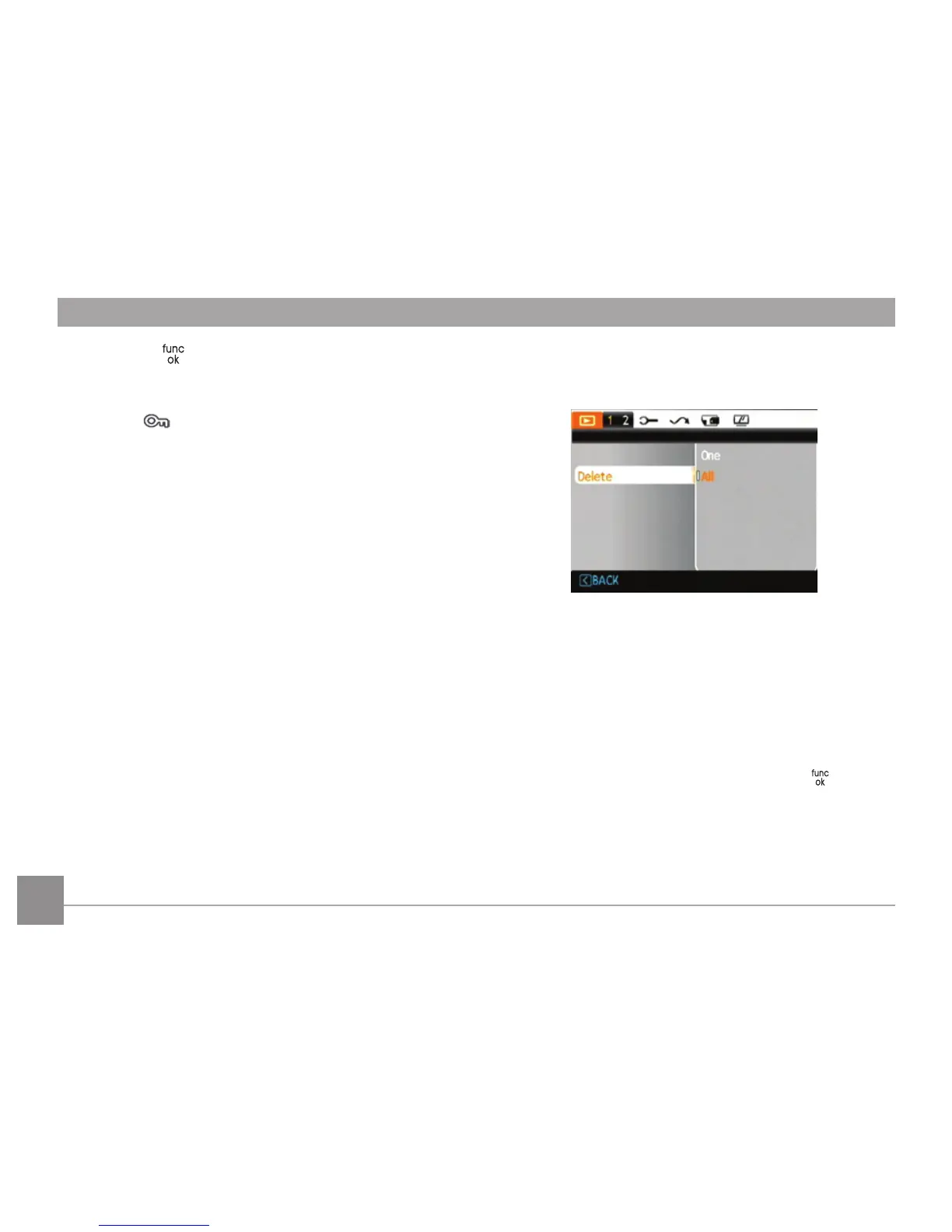
Delete
There are two ways to delete files.
• Delete One:
1. On the Delete setting, select One and press the
Right button.
2. Using the
Left/Right buttons, locate the photo
or movie file to be deleted. Select Yes (to delete
file) or No (to return to the previous menu) using
the Up/Down buttons, then press the button
to confirm.













 To Next Page