32 33
AgfaPhoto OPTIMA 3 AgfaPhoto OPTIMA 3
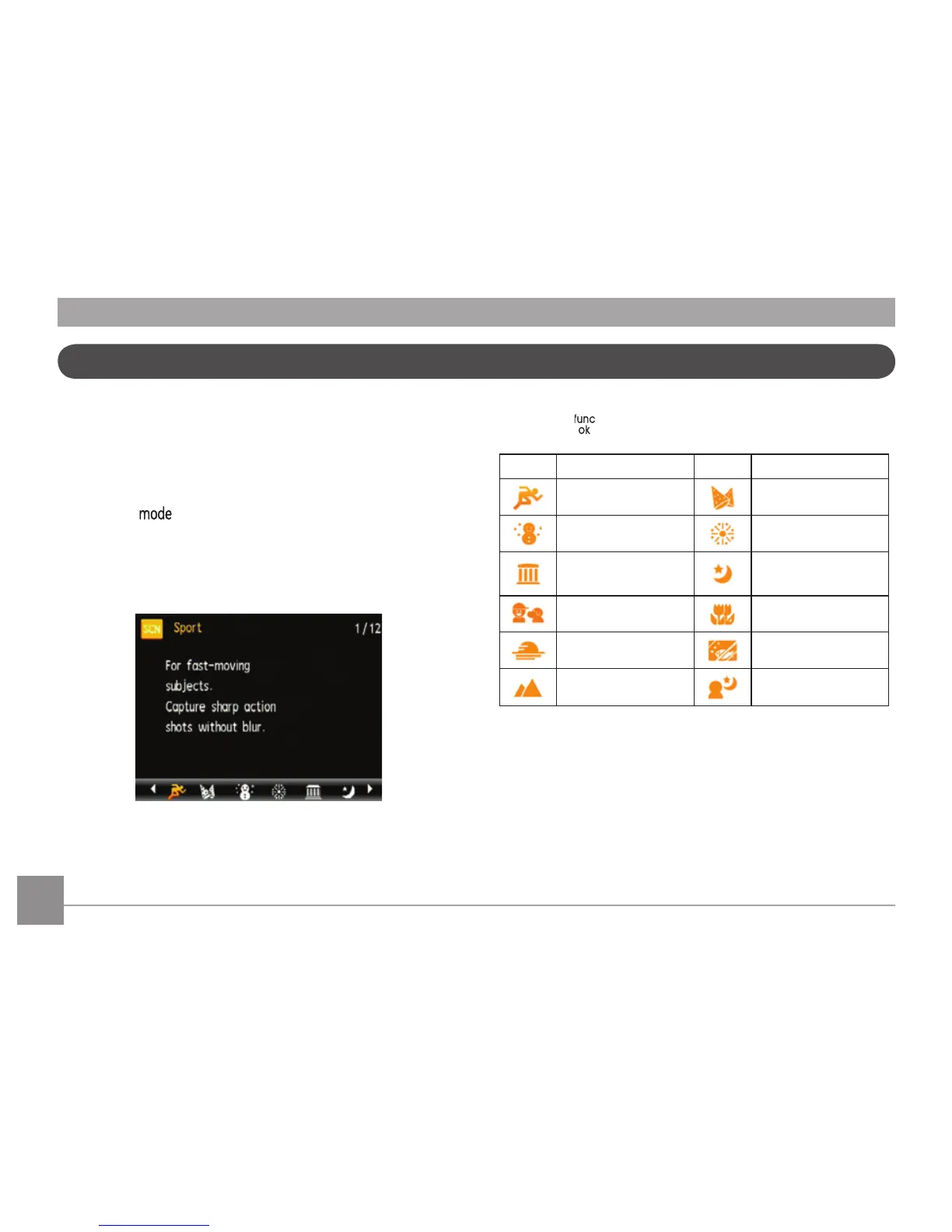
In Manual Scene mode, you can select from a total
of 12 scene types to match your needs. You just
need to select the right scene for the occasion and
the camera will automatically adjust to the optimal
settings for you.
Press the button, select "SCN" with the
Left/Right button, and the LCD screen will show the
figures as below.
Select a scene using the Left/Right button and
press the button.
Icon Mode Name Icon Mode Name
Sport Indoor
Snow Fireworks
Museum
Night
Landscape
Children Leaf
Sunset Glass
Landscape Night Portrait
Sport
For fast-moving subjects. Capture sharp action
shots without blur.
Indoor
For indoors. Reduce blur and improve color ac-
curacy.
Manual Scene Mode (SCN)













 To Next Page