30 3131
AgfaPhoto OPTIMA 3
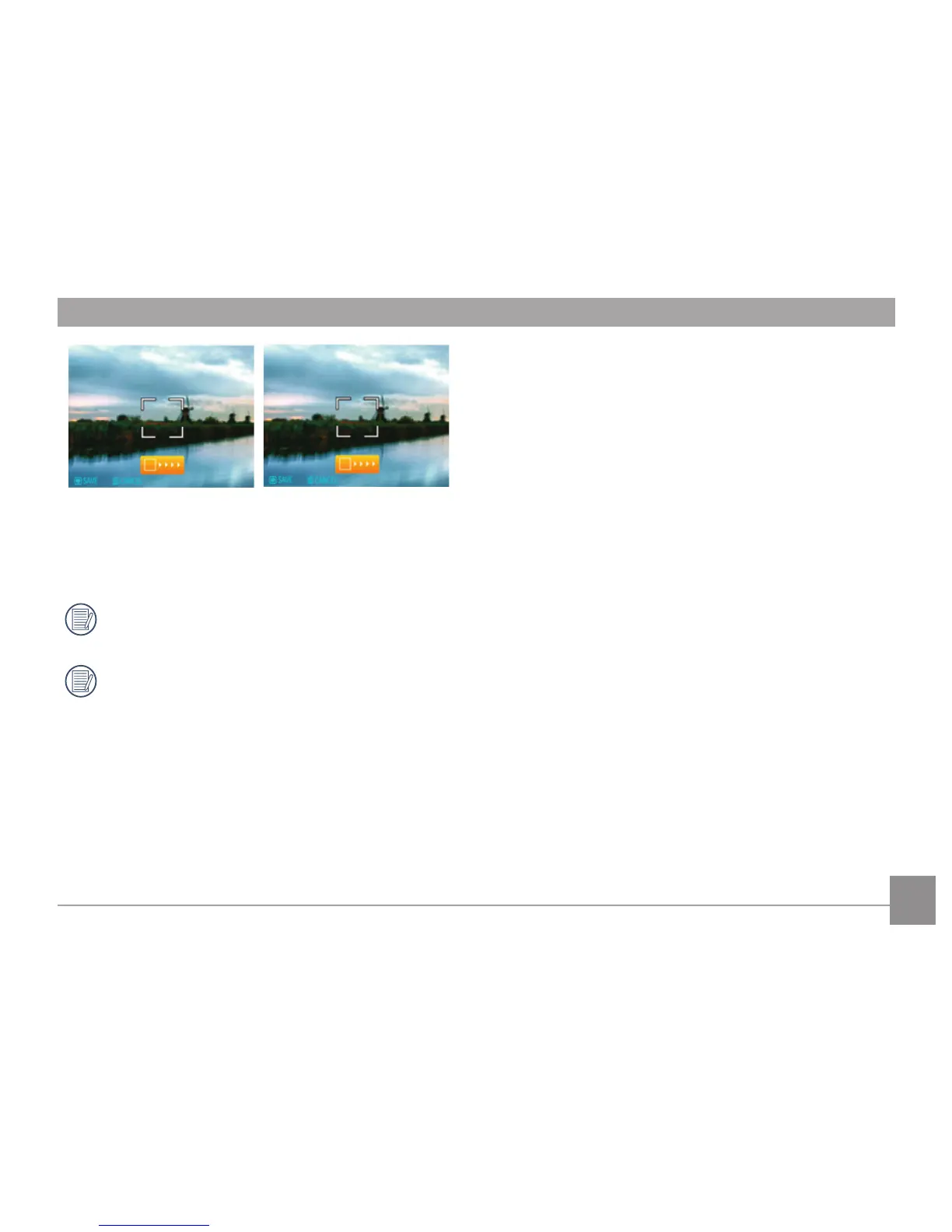
5. The camera will then stitch the pictures
automatically.
6. Press the playback button to enter Playback
mode and review the result.
Pictures cannot be deleted, nor the zoom
adjusted until the series is finalized.
2~4 images can be stitch together.













 To Next Page