48
AgfaPhoto OPTIMA 3
48 49
AgfaPhoto OPTIMA 3 AgfaPhoto OPTIMA 3
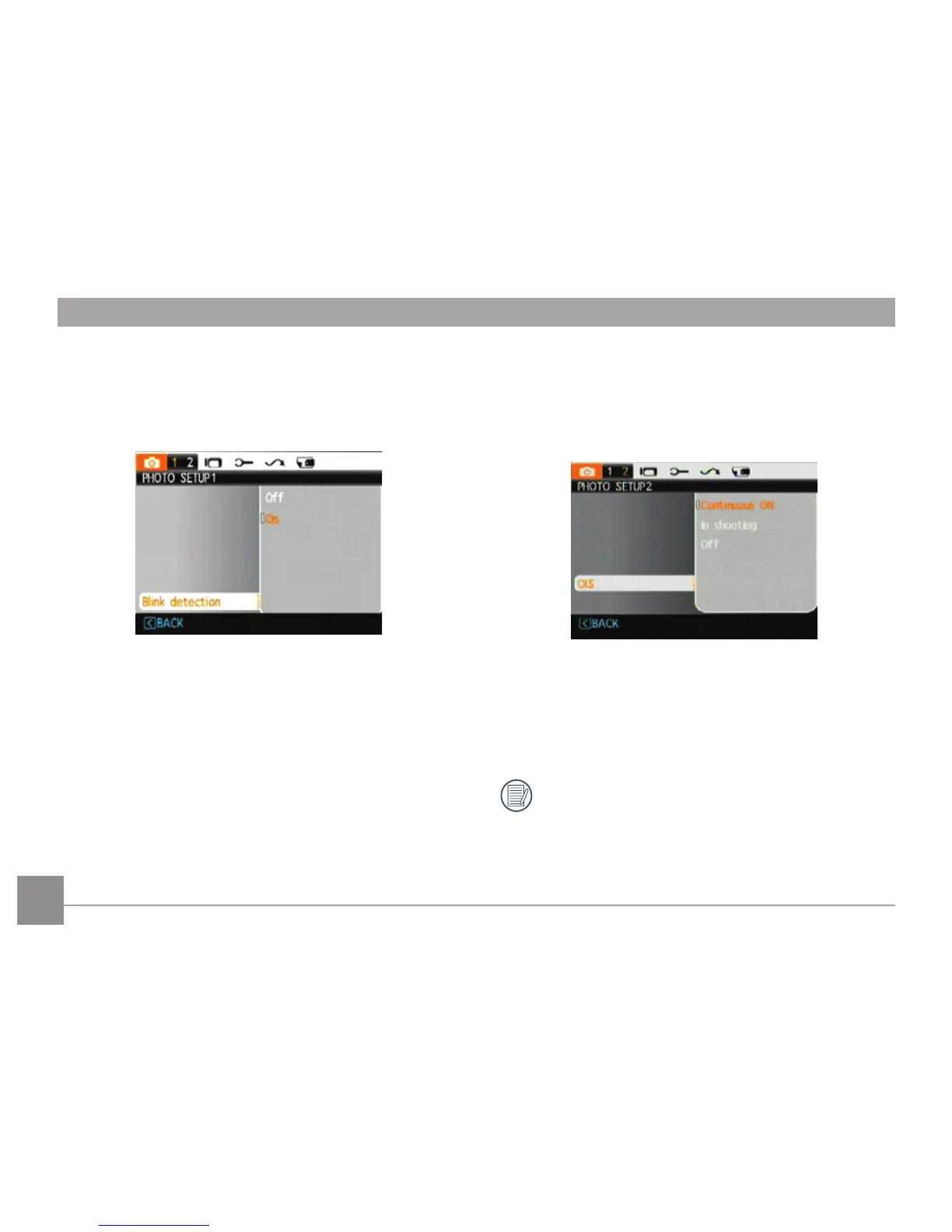
Blink Detection
The Blink Detection feature is on by default, and
after taking each photo, a warning message will
pop up if a blink was detected in the photo.
•
Off
•
On
OIS Stabilization
Turning on the OIS Stabilization will avoid blurred
images caused by hand shake and deliver sharper
photos. (This function is not available in panorama
mode.)
• Continuous ON
• In shooting
• Off
Shooting in a windy or unstable environment
(such as moving vehicle) may cause blurred
images.













 To Next Page