Using Zoom Playback (for still pictures only)
When playing photo, you can also use zoom lever to
zoom in it (2~8) times.
1. Press
button to go to the Playback mode.
2. Use the
Left/Right navigation buttons to select
a photo to magnify.
3. Adjust the Zoom lever to the side
to zoom
in the photo.
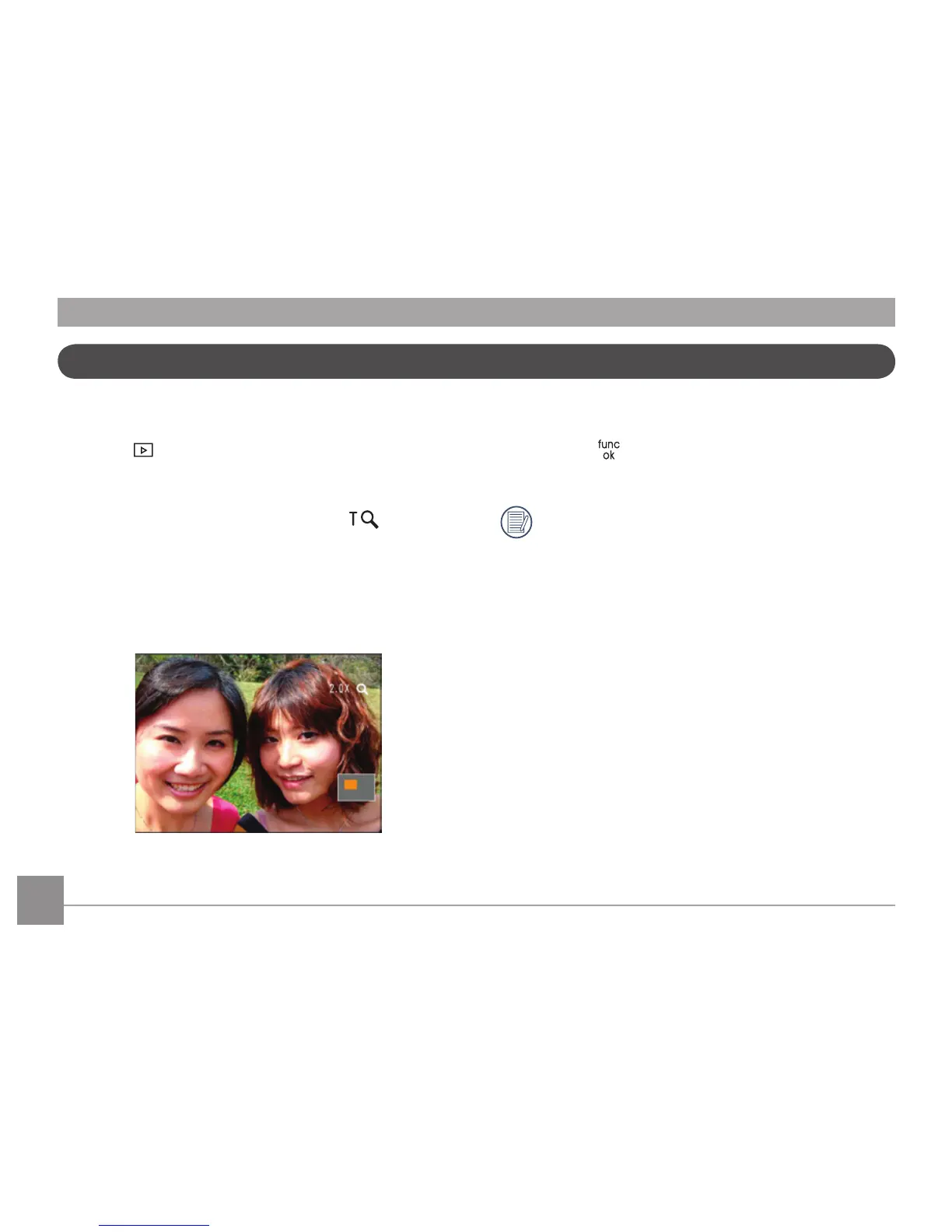
4. Use the Zoom Wheel to enlarge the image. The
zoom indication area will be shown by the icons
in the lower right corner of the display screen.
5. Use the navigation buttons to pan across the
image.
6. Press the
button to return the image to its
original scale.
Movie images cannot be magnified.













 To Next Page