100
Chapter 5: Troubleshooting
2 Set up the stimulus board
a Configure the oscillator select switch S1 according to the following
settings:
• S1 0 (Off)
• S2 1 (On)
• S3 0 (Off)
•Int
b Configure the data mode switch S4 according to the following settings:
•Even
• Count
c Press the Resynch VCO button, then the Counter RST (Counter Reset)
button.
3 Exit the logic analysis application (from the main menu, choose File→Exit)
and then restart the application. This puts the logic analysis system into its
initial state.
4 Disable all analyzers except the one being tested. This simplifies the
instructions and makes module initialization faster.
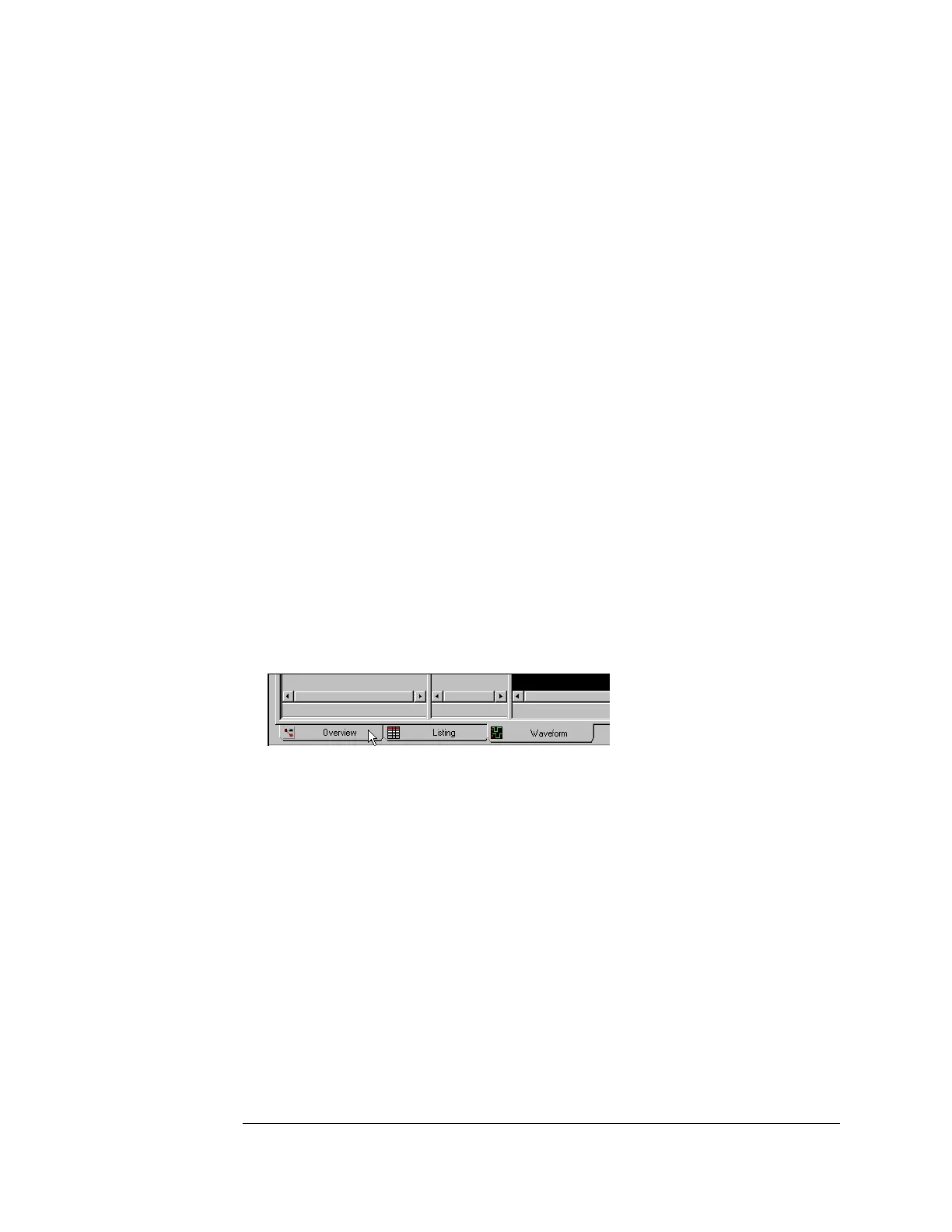
a Select the Overview tab at the bottom of the main window.
b Click on each unused logic analyzer and select disable. Only the logic
Artisan Technology Group - Quality Instrumentation ... Guaranteed | (888) 88-SOURCE | www.artisantg.com







 To Next Page