Background color
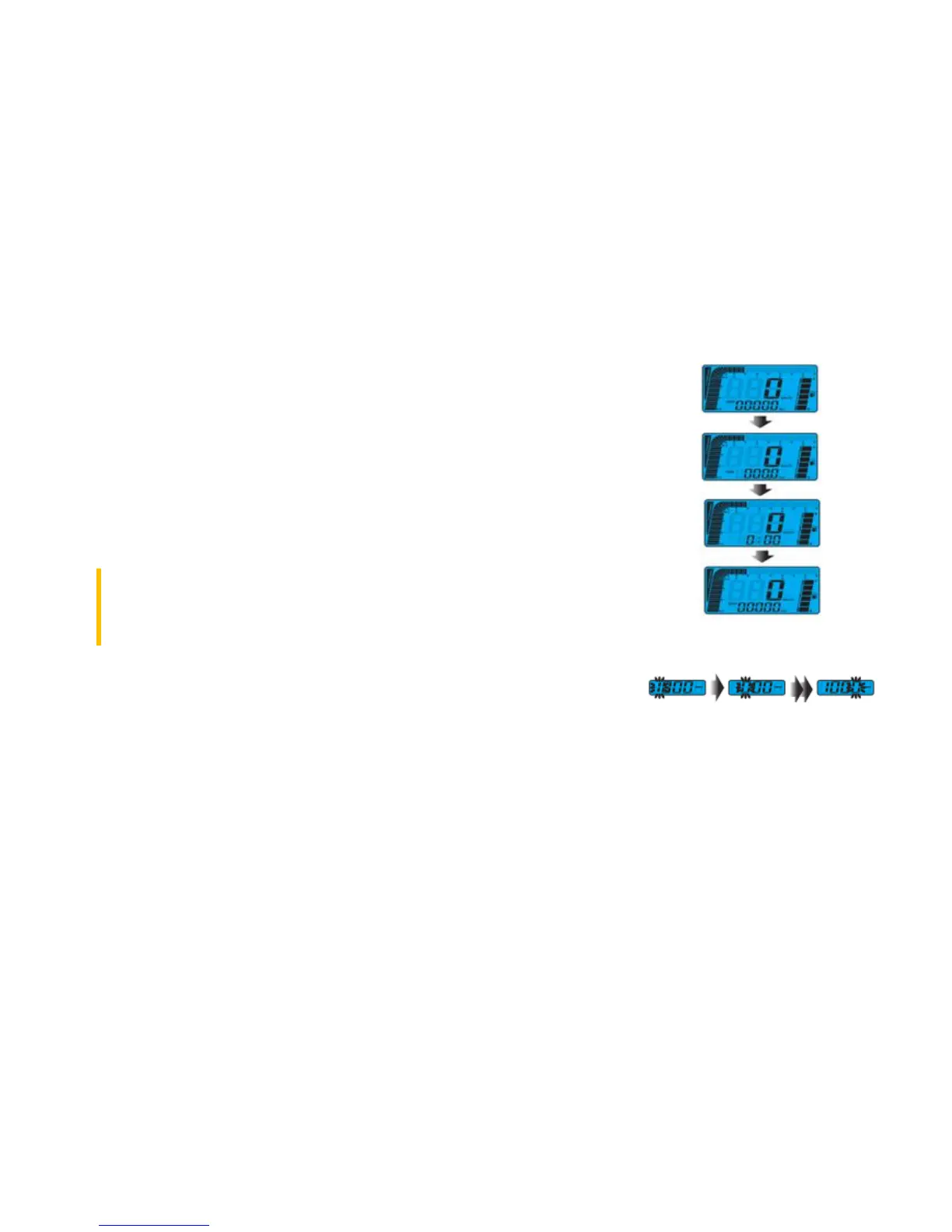
Press the Select button in the main screen to switch the background color (blue-orange-purple).
Odometer/trip meter
In order to switch between total and trip function press the Adjust buttons in the main screen.
Hold down the button for 3 seconds to reset the trip distance.
Clock setting
In the main screen press simultaneously the Select and Adjust button for 3 seconds. When the
digit starts to flash, press the Adjust button to change the number.
Do not change other settings in the instrument panel. Otherwise, incorrect
measurements and information can be presented.


 To Next Page