How do I connect the set-top box to my TV set?
18
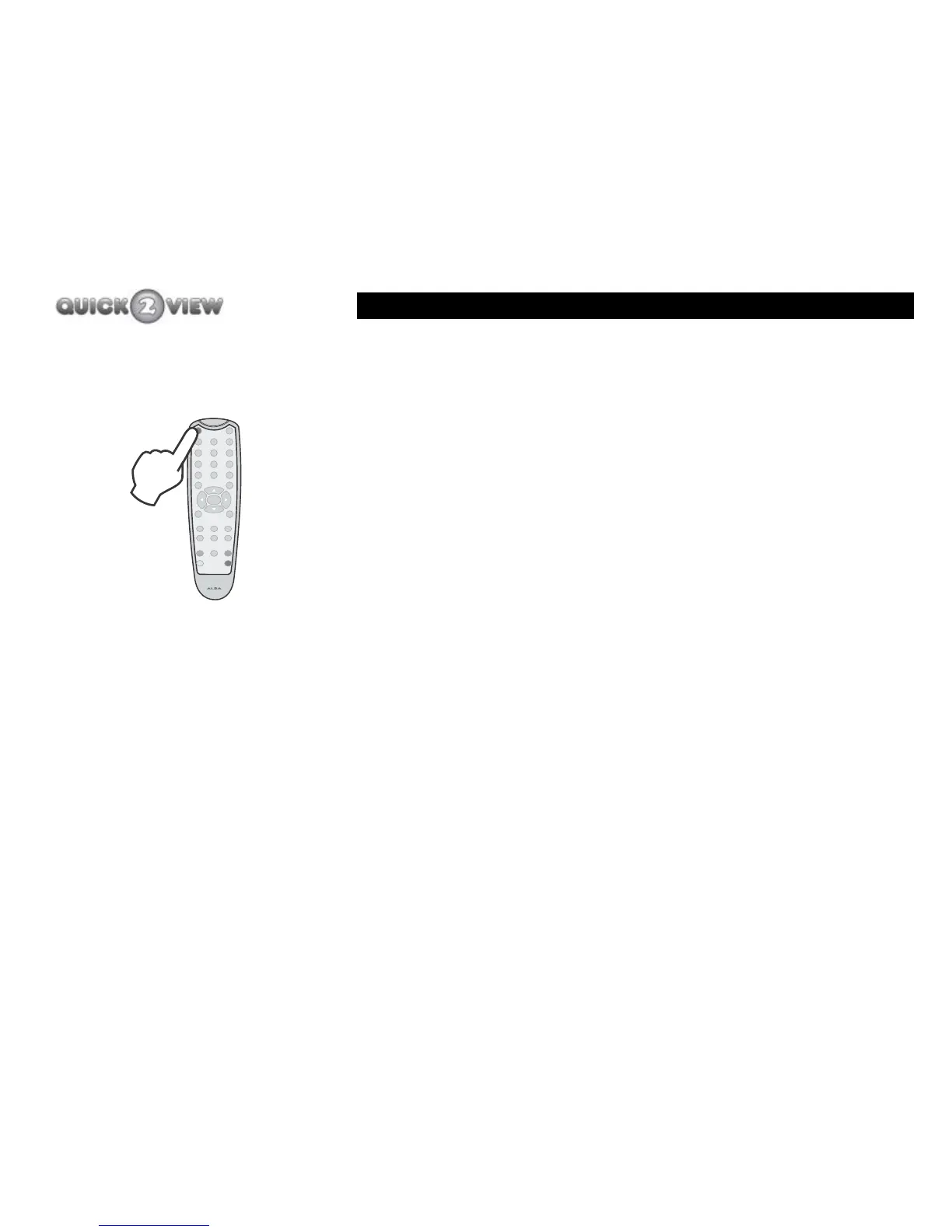
You can put the set-top box on ‘standby’ as follows.
1 Press the button labelled ‘POWER’ (coloured red).
2 The front panel window will light up red.
3 This will turn off the set-top box scart output.
4 The TV picture will turn off.
To turn the set-top box back on from standby.
1 Press the button labelled ‘POWER’.
2 The front panel window will flash yellow, then red and
then stay green.
3 The TV picture will turn on.
INFO
PROG+
PROG-
3
9
RECALL
EXIT
6
WIDE
GUIDE
TIME
SUBTITLE
POWER
MUTE
12
78
0
VOL-
VOL+
TEXT
MENU
SELECT
5
4



 To Next Page