How do I tune-in TV stations?
19
How do I tune-in TV stations?
In the following description 'remote control' and 'main unit', may
replace 'set-top box'.
All buttons we refer to are on the remote control. However, there
is a factory ‘reset’ button on the back panel of the main unit.
1 Connect the set-top box as we have explained on
pages 16 and 17.
2 Switch it on at the mains socket.
3 The front panel window will flash yellow, then red
and will then stay green.
4 Turn on the TV.
5 Switch the TV to the input that the set-top box is
connected to (such as AV1 or AV2).
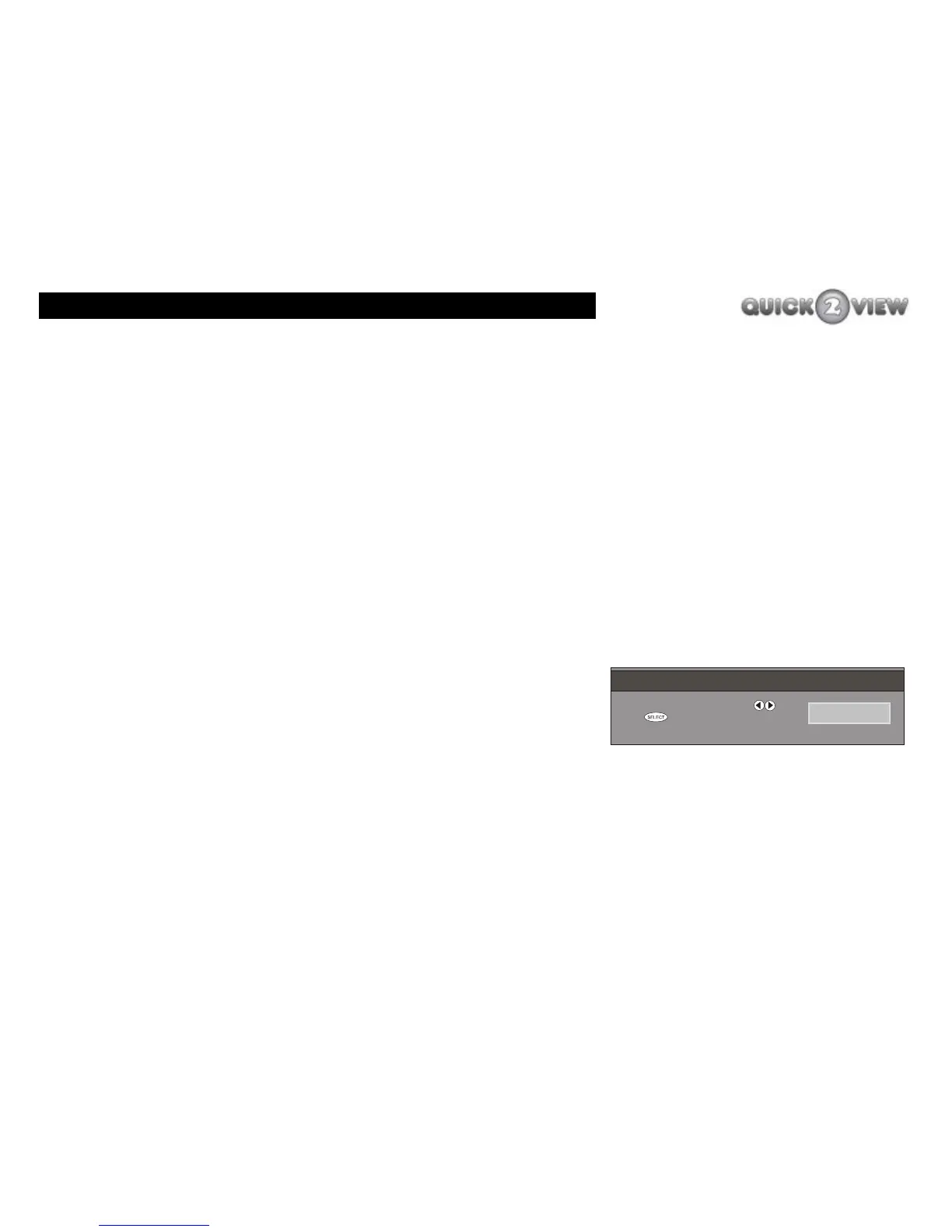
6 If it is the first time you have switched the set-top
box on, after a short delay your TV will show the
'FIRST-TIME INSTALLATION' screen (shown right).
7 Use the right button to go through the TV type
options: ‘NORMAL 4:3’ or ‘WIDESCREEN 16:9’ until
it displays the type of screen on the TV you have
connected the set-top box to.
8 Press the ‘SELECT’ button.
FIRST TIME INSTALLATION
P leas e choose T V Type us ing keys
P res s t o start ins tallation
NOR MAL 4:3
FIRST TIME INSTALLATION
P leas e choose T V Type us ing keys
P res s t o start ins tallation
NOR MAL 4:3



 To Next Page