Basic operation
46
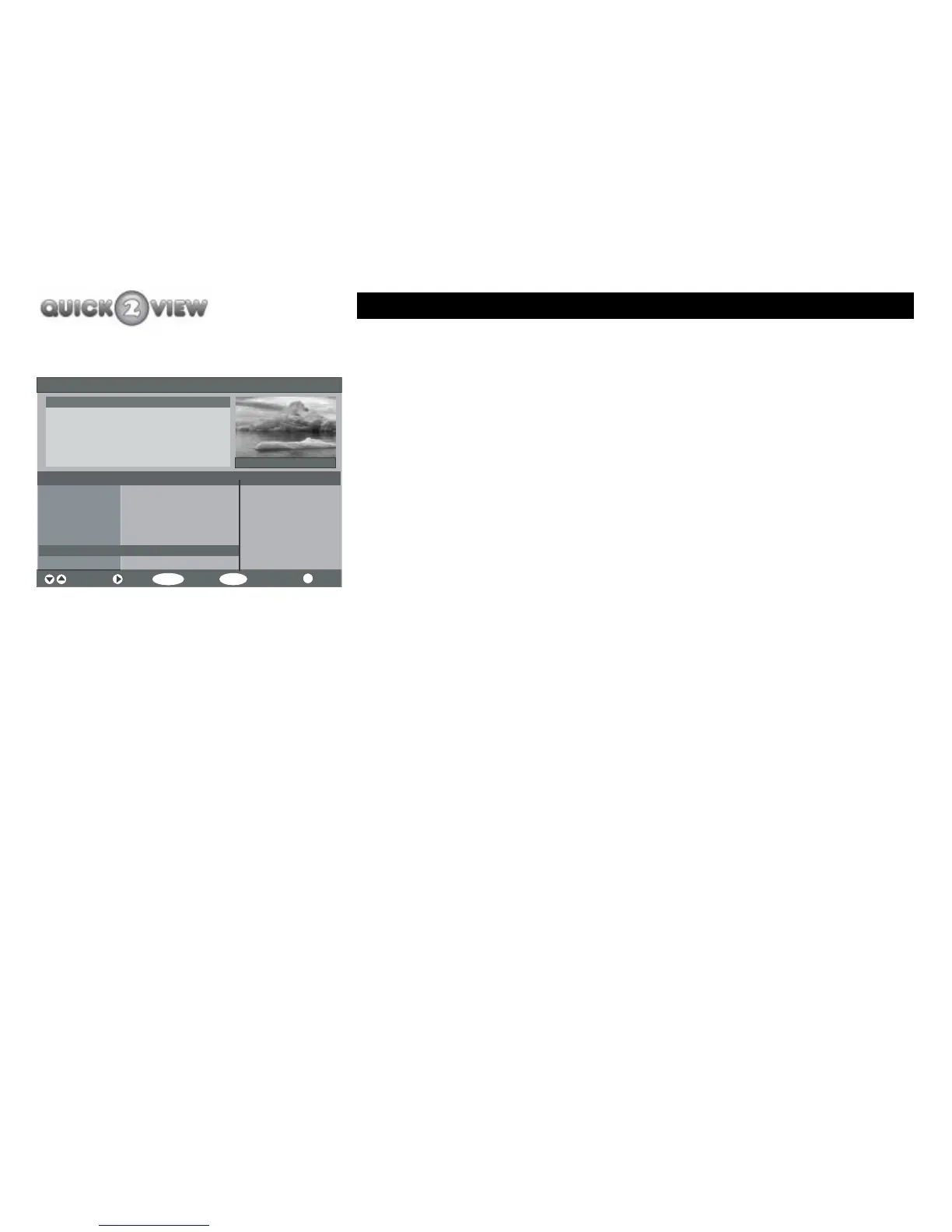
How to watch another channel in the small window.
1 Press the 'PROG+' or 'PROG-' buttons to move by
five channels (this number varies in different
displays) each time you press the buttons, or press
the 'up' or 'down' buttons to move up or down one
channel at a time until the channel at a time until
the channel you want is highlighted.
2 Press the 'SELECT' button.
3 The programme you have selected will be displayed
in the small window, (see left).
How to set the programme reminder
The 'Reminder' function allows you to mark a future TV
programme so that the set-top box will tell you it is about to start
when you are watching another TV programme. You can choose
to watch the marked programme or not. You can take the mark
off the program at any time before the programme starts.
You can set a reminder in the Now and Next or 7-day format.
Electronic Programme Guide (Now/Next) Saturday 10/03 19:24
Channels Current Programme Next Programme
Navigate Next Watch 7 Day EPG More
SELECT
MENU
i
2. BBC TWO
3. ITV1
4. Channel 4
5. Five
6. ITV2
Australia 19:20- 20:20
6 ITV2
Evelyn
Dancing on Ice
Channel 4 News
Will Peny
Antarctic
Spectacular views from ...
Comic Relief
Crufts 2007
Primeval
Born Survivor: Bear
Five News and Sport



 To Next Page