Basic operation
44
Now and Next format
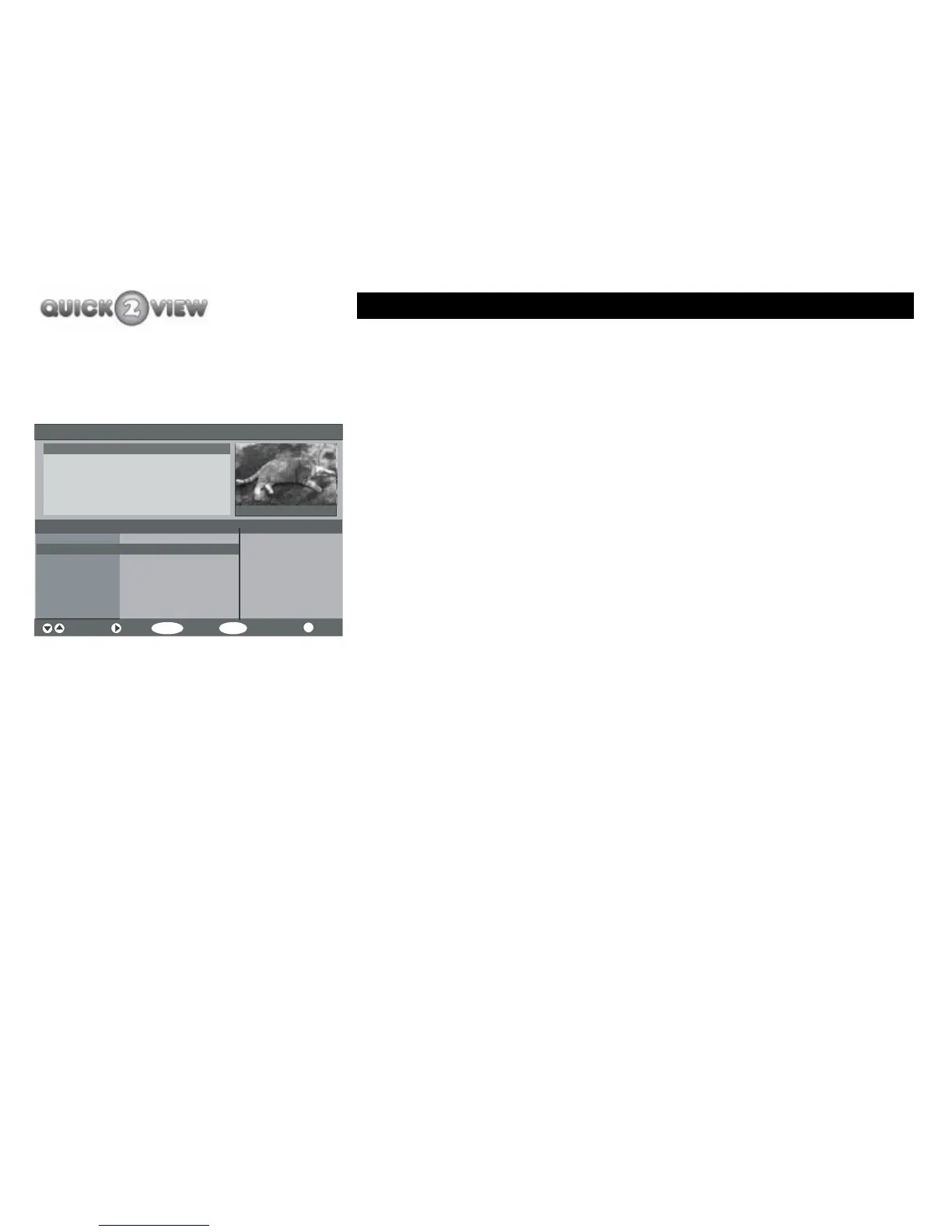
How to display the EPG page.
1 Press the 'GUIDE' button.
2 Your TV will display the EPG page and will contain
the following information (see left).
• The EPG option will be displayed at the top of the
screen which also displays the current date and
time.
• The current TV programme will be displayed in
the small window with a brief description about
the current programme in the programme details
panel next to the small window.
• The small window will also display the channel
number and channel name.
• The current channel number, name and
programme title will be highlighted at the top of
the list of the five channels displayed in the
channels list.
• The next TV programme for each of the listed
channels will also be displayed.
Electronic Programme Guide (Now/Next) Saturday 10/03 18:27
Channels Current Programme Next Programme
Navigate Next Watch 7 Day EPG More
SELECT
MENU
i
1. BBC ONE
2. BBC TWO
3. ITV1
4. Channel 4
5. Five
Comic Relief
Crufts 2007
Primeval
Born Survivor: Bear
Five News and Sport
Pet's World 18:30- 19:00
1 BBC ONE
Pet's World
The adventures of GP
Pet's World
Sports Results
Dancing on Ice
Channel 4 News
Will Peny
Another touching tale from the best
selling story book by Liz Terrell. This weeks
adventure tells how GP helped prevent the ...



 To Next Page