Basic operation
23
Changing channels
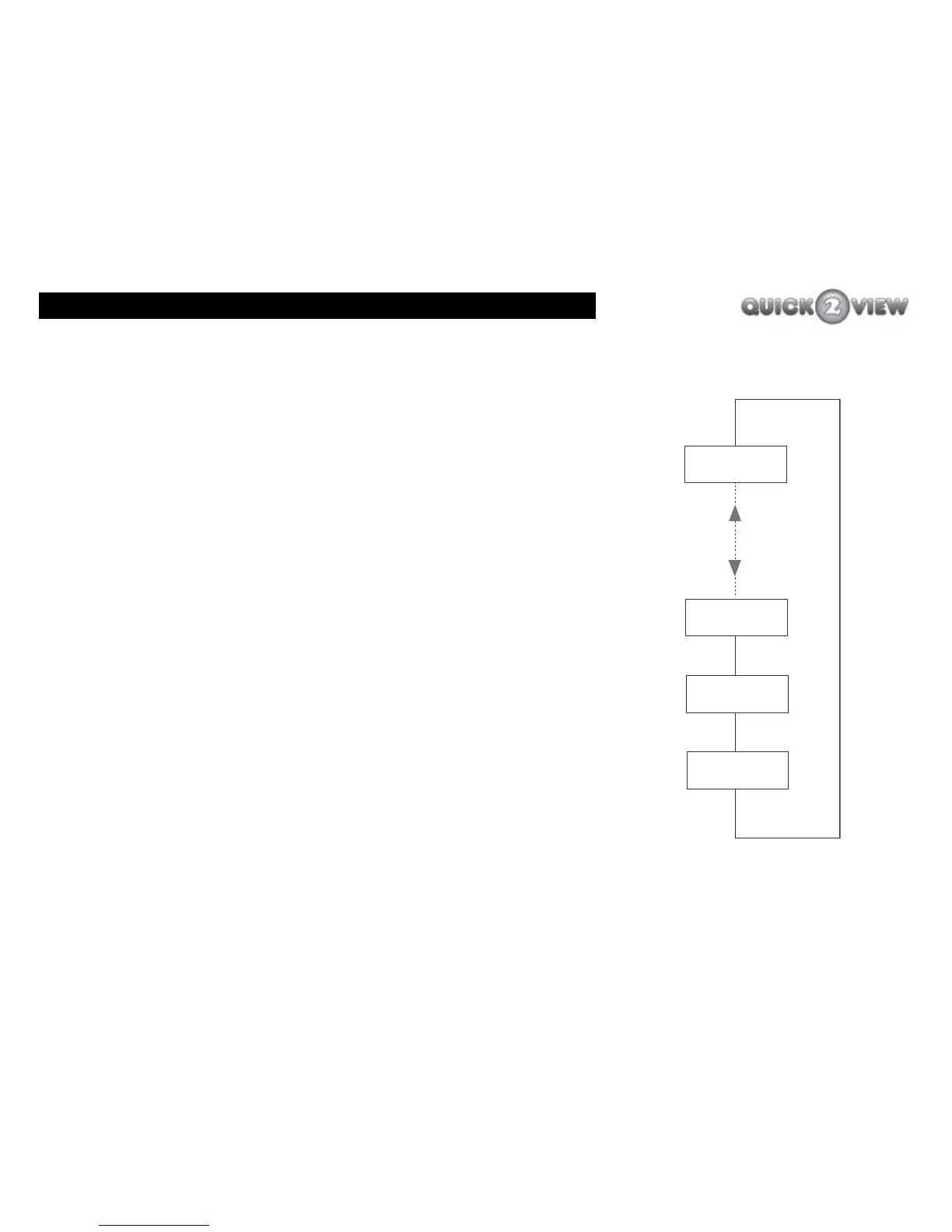
You can change to the next or previous channels using the
'PROG+' and ''PROG-'' buttons, (see right).
1 Press the 'PROG+' button to change to the next
highest stored channel.
2 Press the 'PROG-' button to change to the next
lowest stored channel.
When your TV displays the last channel in the list, if you press of
the 'PROG+' button your TV will display the first channel in the
list.
When the first channel in the list, if you press the 'PROG-' button
your TV will display the last channel in the list.
How to adjust the volume
Note The set-top box volume controls work together
with the TV volume control, so the maximum
volume you can get will depend on what the TV
volume control is set to. Also, when you use the
TV mute button, it will override the set-top box
volume setting.
Last
Channel 3
Channel 2
Channel 1
PROG+
PROG-



 To Next Page