Basic operation
49
7-Day format
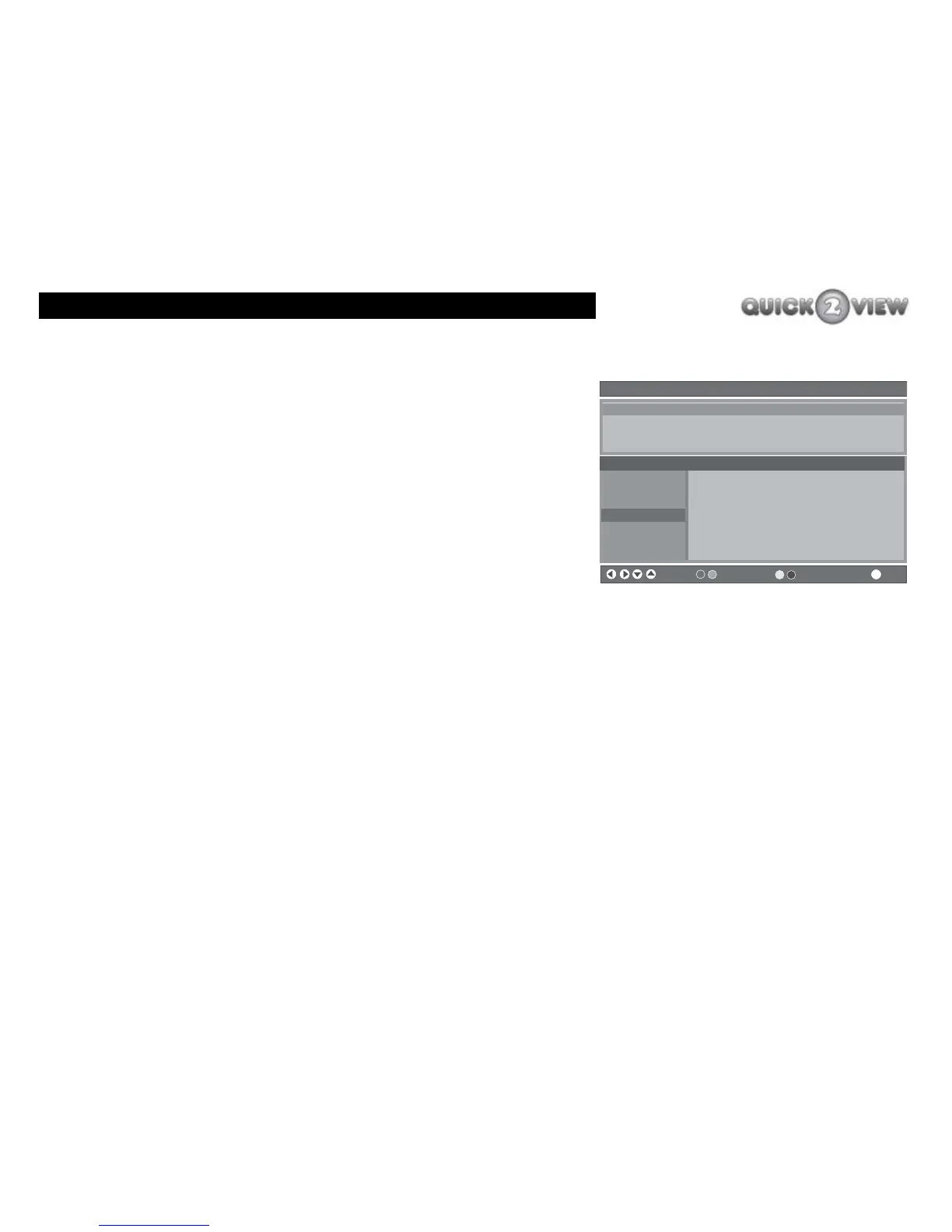
In the '7-day' format you can see information about the channels
for the next seven days. You can see what a typical EPG '7-day'
format looks like, (see right).
The '7-day' format is made up of the following.
• A banner at the top of the screen showing the title,
format type and current date and time.
• A TV programme description panel. This shows a
brief description about the current programme on
the channel you have selected.
• A channels panel. This is a window with a list of all
the channel numbers and names stored in the set-
top box. It will usually display seven channels at a
time, but you can change the channels you can see.
• A programmes panel. This contains the TV
programmes that will be broadcast for the next two-
hours during the displayed two-hour period on the
date displayed at the top header of this panel.
• A banner at the bottom of the screen showing
symbols which help you to:
• select another channel or TV programme;
Electronic Programme Guide (7 Day) Saturday 10/03 23:39
Channels Programmes on Monday 12/03, 23.30 - 01.30
1. BBC ONE
2. BBC TWO
3. ITV1
4. Channel 4
5. Five
6. ITV2
7. BBC THREE
ER 22:35- 23:58
22:25 ER
23:35 The Sopranos
00:40 Live from Abbey Road
Tell Me No Secrets: Pratt has a tough time coming to terms with
the discovery of hos brother's sexual orientation. [AD,S]
Navigate Change Time Change Day EPG More
i



 To Next Page