Basic operation
31
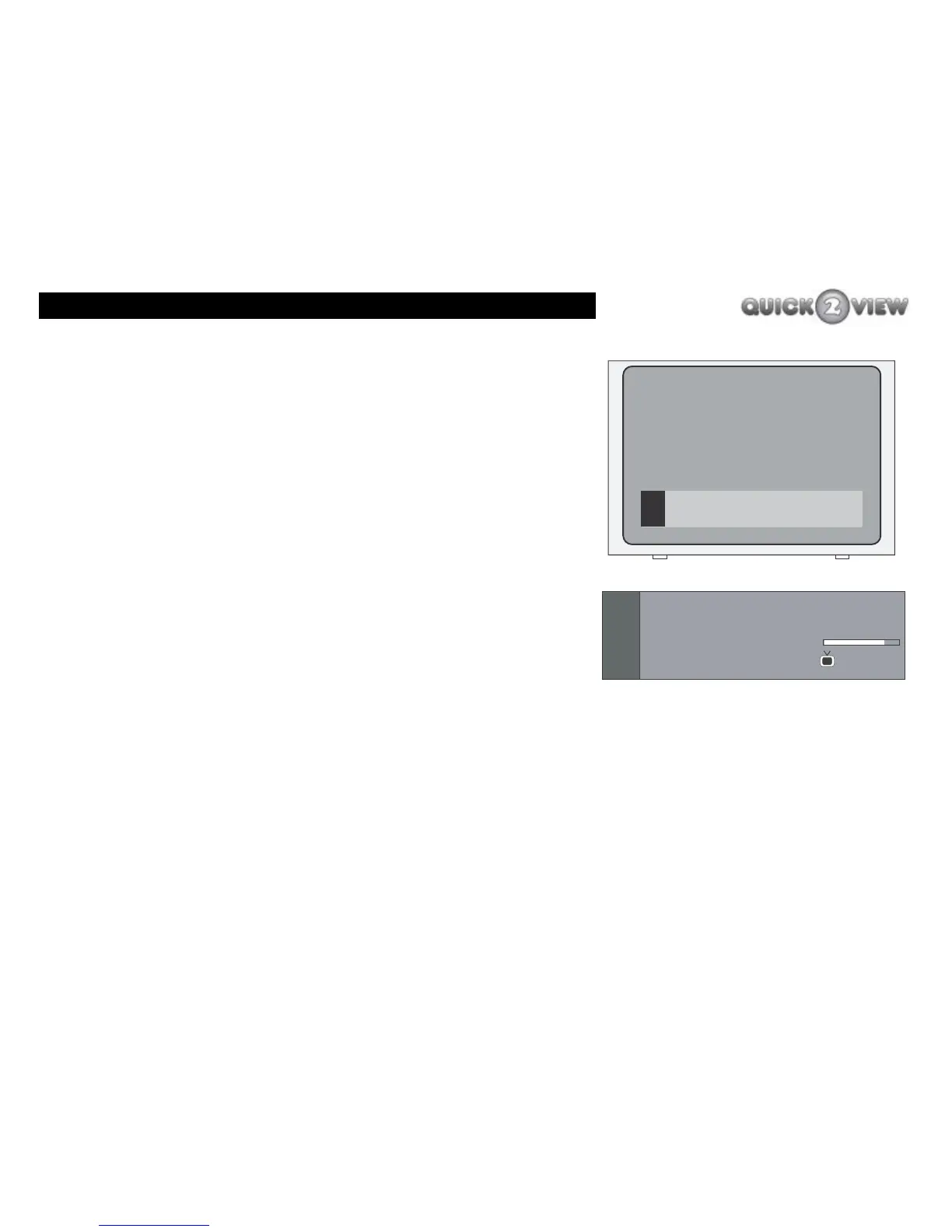
Information banner
To display the information banner do the following.
1 Press the 'INFO' button.
2 Your TV will display the information banner over the
picture on your TV screen.
3 After about three seconds the information banner
will disappear from the screen.
4 Press 'INFO' again to see the information banner
again.
You can see what a typical information banner looks like to the
left. The banner displays information about the channel you are
watching, (see right)
• The information displayed in the banner is listed below.
• Current programme title (for example, 'University
Challenge').
• Start and end time of current programme (for example,
09:25 - 11:00).
• Next programme title to be shown (for example, 'Late
News').
• Start and end time of next programme (for example, 11:00 -
11:25).
Information banner
Now:
Next:
1. BBC ONE



 To Next Page