Basic operation
21
Basic operation
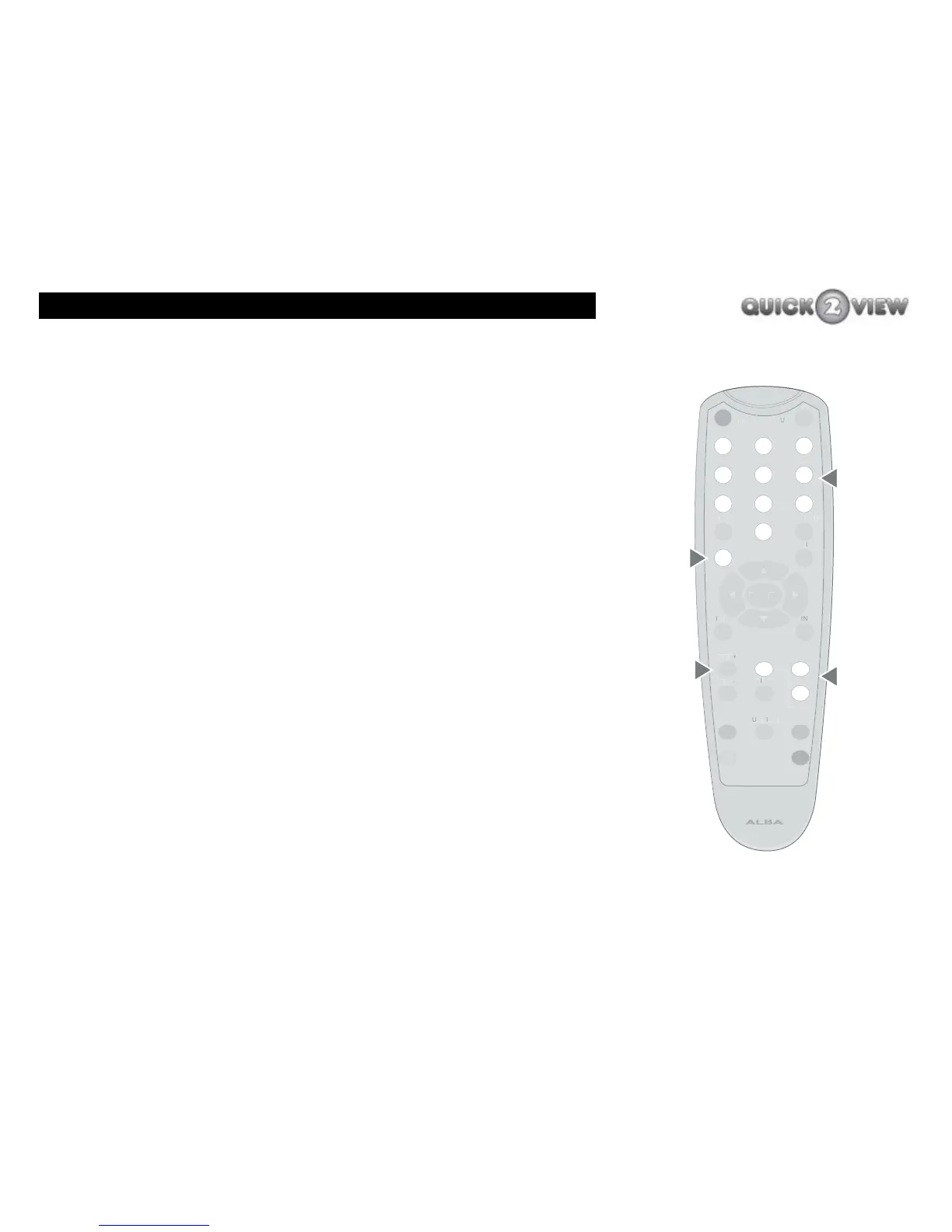
How to select a TV channel
There are several ways in which you can select a TV channel.
You can select a TV channel by:
1 using the number buttons 0 to 9 on the remote
control;
2 using the change channel buttons ‘PROG+’ and
‘PROG-’;
3 using the ‘Channel list’ feature (see page 32); or
4 using the Electronic Programme Guide (EPG) feature
- (see page 43).
Note How you can select a channel may vary depending
whether you have set certain other settings, such
as ‘Favourites’ or ‘Lock’. These are explained in the
section ‘Channel List’, on page 32.
Number buttons
You can enter the number of the channel you want to watch, ('1'
for BBC1, '3' for ITV1 for example) using the number buttons on
the remote control. The channel can include up to three numbers.
number
buttons
0-9
PROG+
PROG-
change
channel
buttons
GUIDE
(EPG)
MENU
/Channel
List



 To Next Page