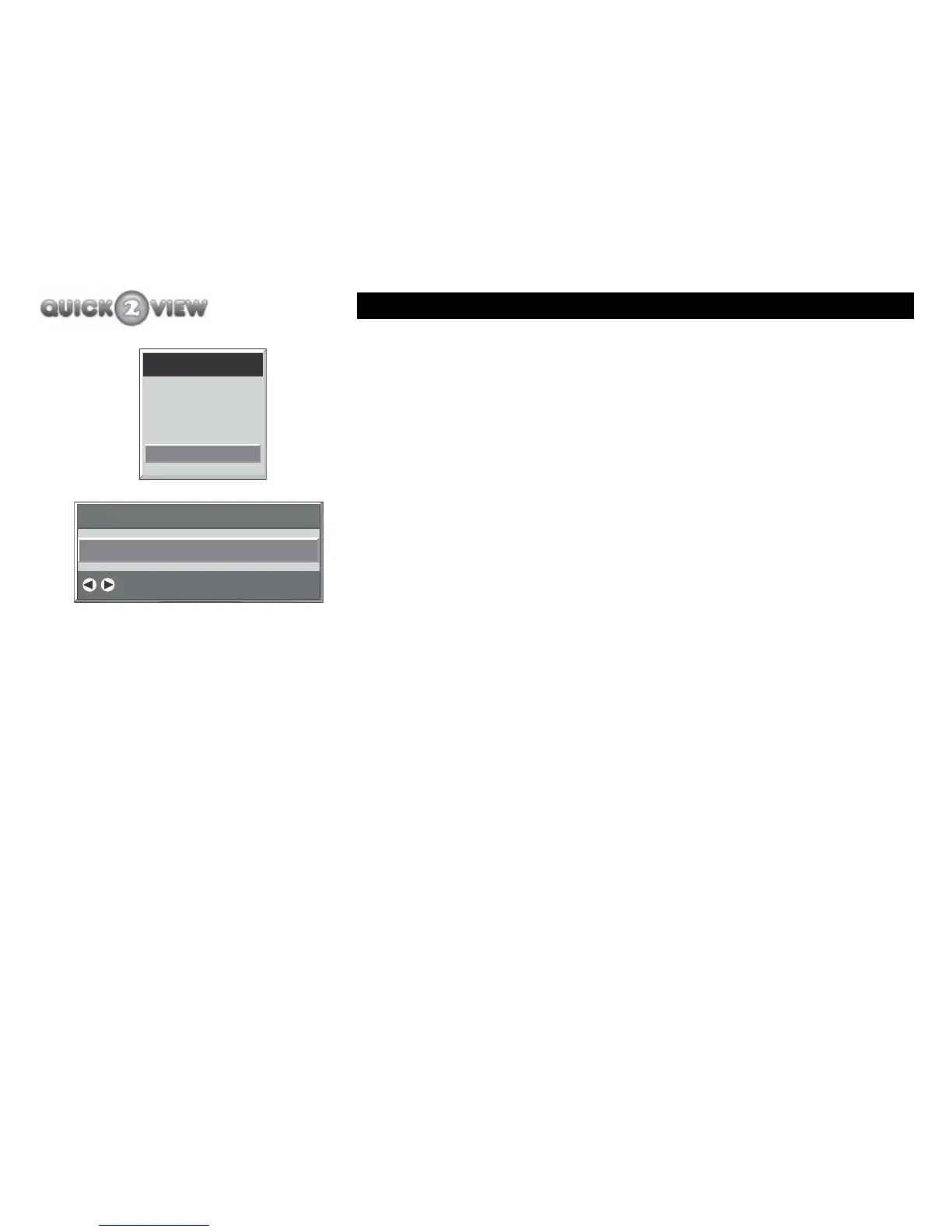
Main menu
64
Language
The language function allows you change the on-screen display
(OSD) language.
1 Open the main menu and select the language
function. You can choose from the following options.
• English (The set-top box will automatically select
this language)
•Welsh
• Gaelic
How to change the language.
1 Press the 'right' or ‘left’ button to move to the
language you want.
2 Press the 'MENU' button to return to the 'Main Menu'
with the language you have chosen.
3 Or, press the 'EXIT' button to close the 'Main Menu'
with the language you have chosen.
Main Menu
Channel List
Installation
Configuration
Language
English
Languages
Change Default OSD Language



 To Next Page