How do I connect the set-top box to my TV set?
17
Note The set-top box will not work if you do not have
the scart-to-scart cable connected.
6 Plug the mains lead into the mains socket.
7 Plug the TV back into the mains socket.
How do I turn the set-top box on and off?
When you have connected your set-top box to the TV (as
described in the previous section), you are ready to use it.
1 Switch on the TV.
2 Set it to the input channel you have connected the
set-top box to (AV1, for example).
3 Switch mains to the set-top box.
4 The front panel window will flash yellow, then red
and will then stay green.
5 Usually the first channel in the channel list will be
displayed (normally BBC One). But, if this is the first
time you have connected the set-top box, your TV
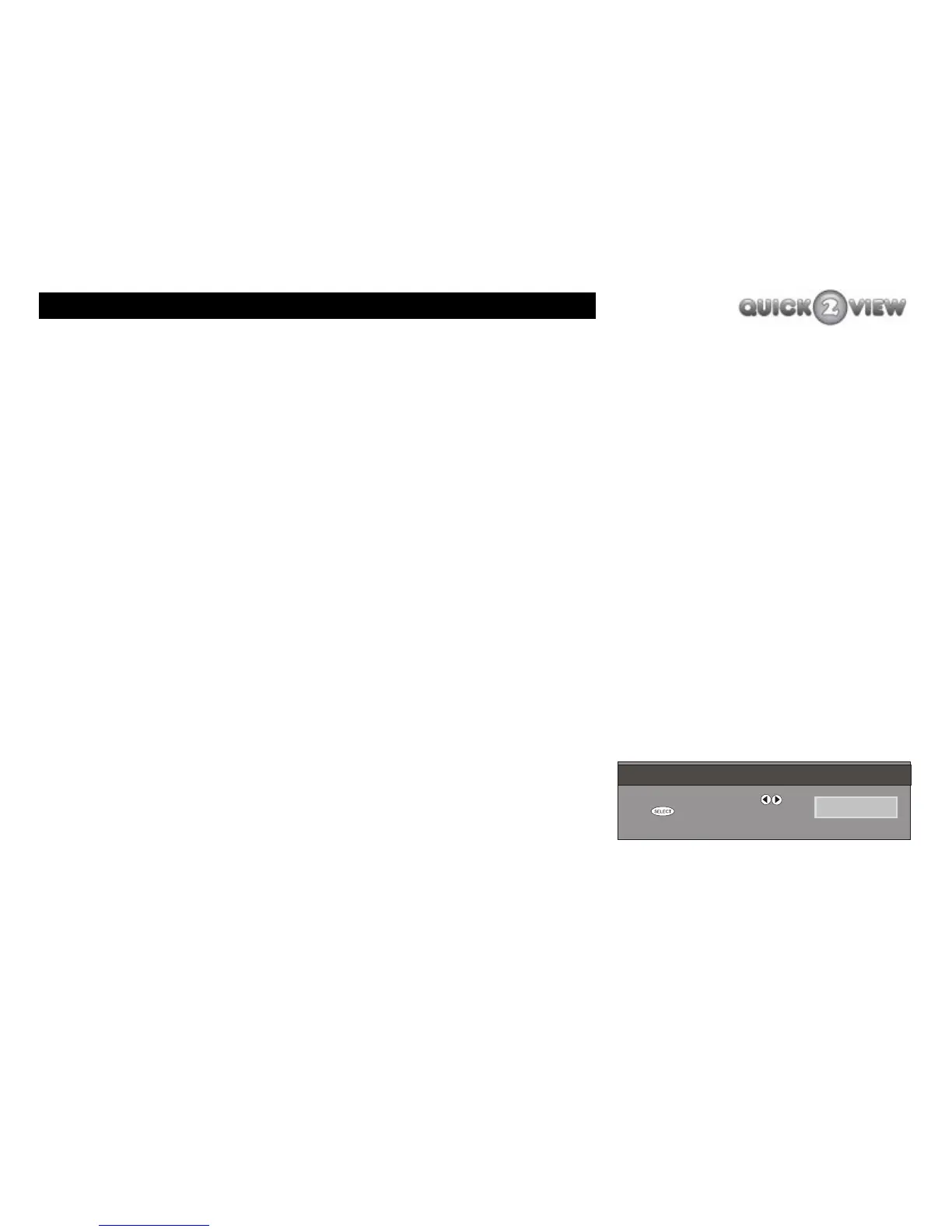
will display the ‘FIRST-TIME INSTALLATION’ screen
(as shown right). See page 19 for details of how to
install the set-top box at this stage.
INFO
PROG+
PROG-
3
9
RECALL
EXIT
6
WIDE
GUIDE
TIME
SUBTITLE
POWER
MUTE
12
78
0
VOL-
VOL+
TEXT
MENU
SELECT
5
4
FIRST TIME INSTALLATION
P leas e choose T V Type us ing keys
P res s t o start ins tallation
NOR MAL 4:3



 To Next Page