Main menu
55
4 Press the 'down' and 'up' buttons to select the
option you want.
5 Press the 'SELECT' button to open the item you have
selected.
Or, you can close the main menu by pressing the 'MENU' or
'EXIT' buttons.
Installation
The installation function lets you choose to:
• 'Add New Channels' to the set-top box
• Install the set-top box as if you were installing it for
the first time (‘First Time Installation’).
How to open the Add New Channels function:
1 Select 'Installation' in the 'Main Menu'.
2 Press the 'down' button until 'Add New Channels' is
highlighted.
3 Press the 'right' button.
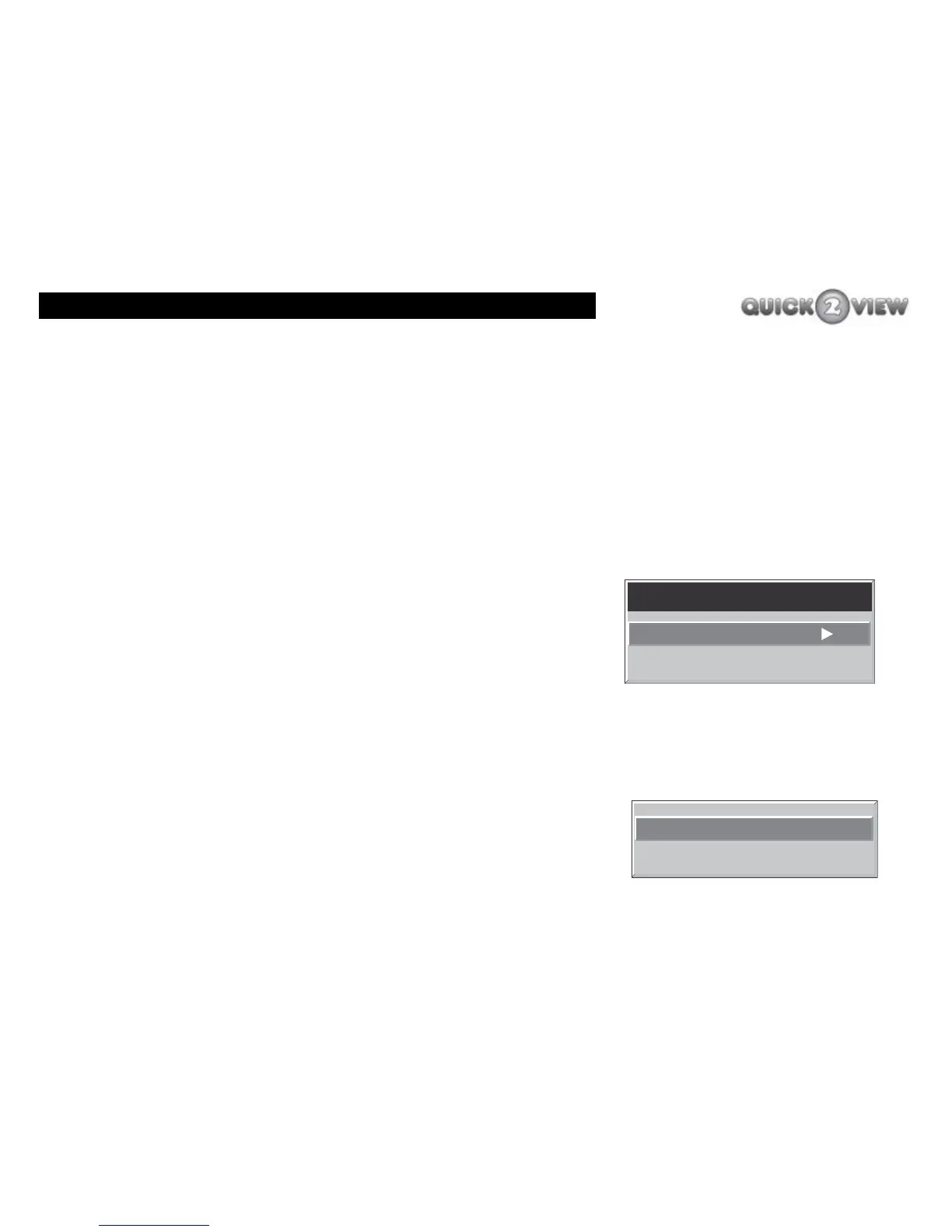
A further two options will appear, (see right).
• Automatic Search and
• Manual Search
Installation
Add New Channels
First Time Installation
Automatic Search
Manual Search



 To Next Page