Main menu
56
Automatic search
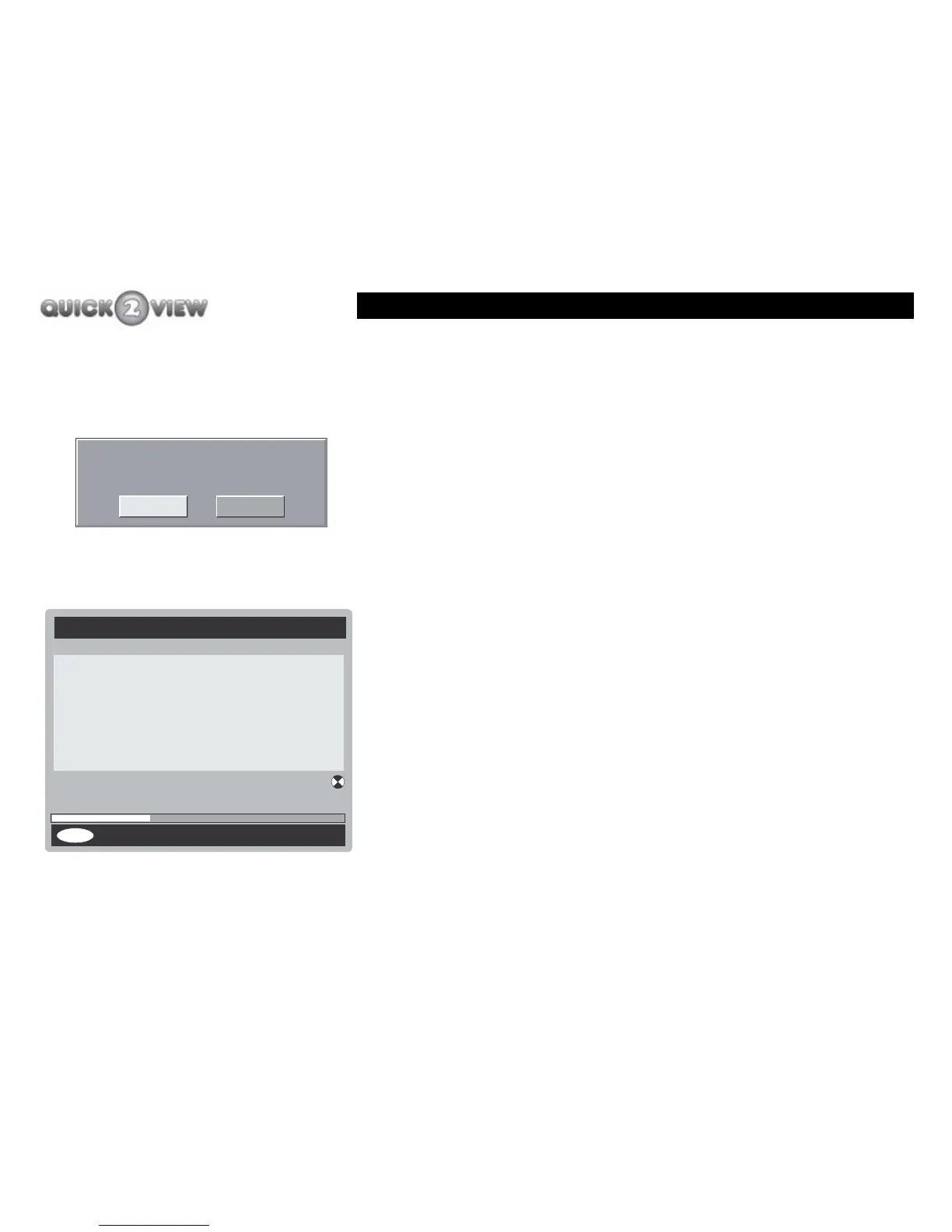
1 Press the 'down' button until 'Automatic Search' is
highlighted.
2 Press the 'SELECT' button.
3 A box asking you to confirm what you want to do will
appear (see left).
4 Press the 'right' button to select what you want to
do.
5 Press the 'SELECT' button.
6 If you choose 'No', the 'Main Menu' will close down.
7 If you chose 'Yes', the 'Automatic Search' panel will
appear, (shown left), and the set-top box will begin
to search for new channels as in 'First Time
Installation' previously described on page 19.
Do you want to start automatic search?
Your previous channel list will be replaced.
Yes No
Channels:
Cancel Search
Automatic Search
Searching UHF Channel: 31 Please wait. This will take a
few minutes
0%
100%
MENU
Channel 4
BBC ONE
BBC TWO



 To Next Page