Main menu
63
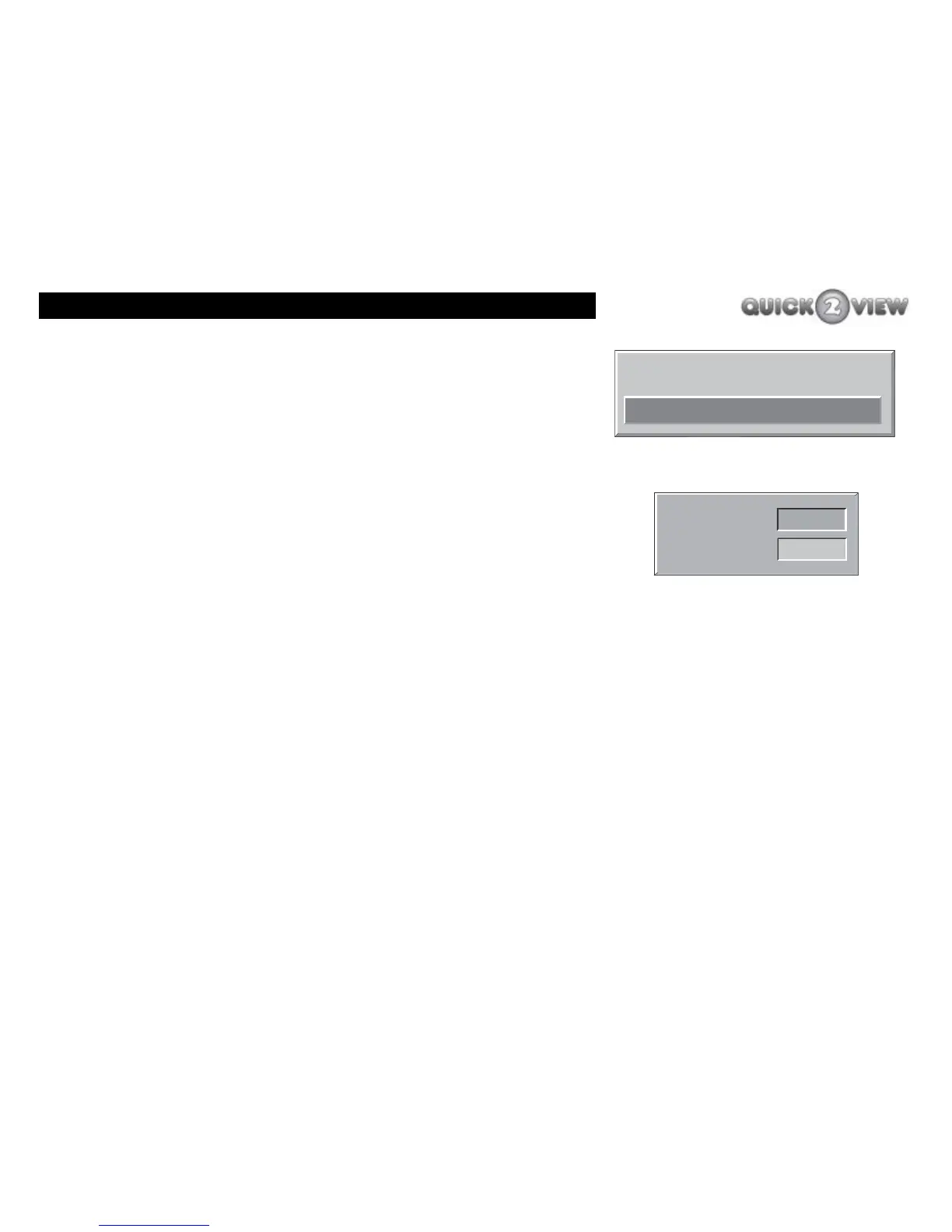
If you want to ‘Set Lock Key’ now, do the following.
1 Press the ‘down’ button to highlight 'Set Lock Key'.
2 Press the 'SELECT' button.
3 The Lock Key (code) entry boxes will be displayed,
(see right)
4 Use the number buttons to enter a four-digit code of
your choice. For security reasons the numbers you
enter will appear as asterisks (*). You can change
the code as often as you want using this panel.
5 Enter the same code again in the confirm box.
6 If you make a mistake, the message 'Keys Don't
Match' will be displayed. Try again.
7 Press the 'MENU' button to return to the list of
items.
When you have finished editing the configurations:
8 press the 'MENU' button to return to the 'Main
Menu'; or
9 press the ‘EXIT’ button to close the 'Main Menu'.
Set Lock Key
Menu Lock
Disabled
Lock Key
- - - -
Confirm
- - - -



 To Next Page