Main menu
62
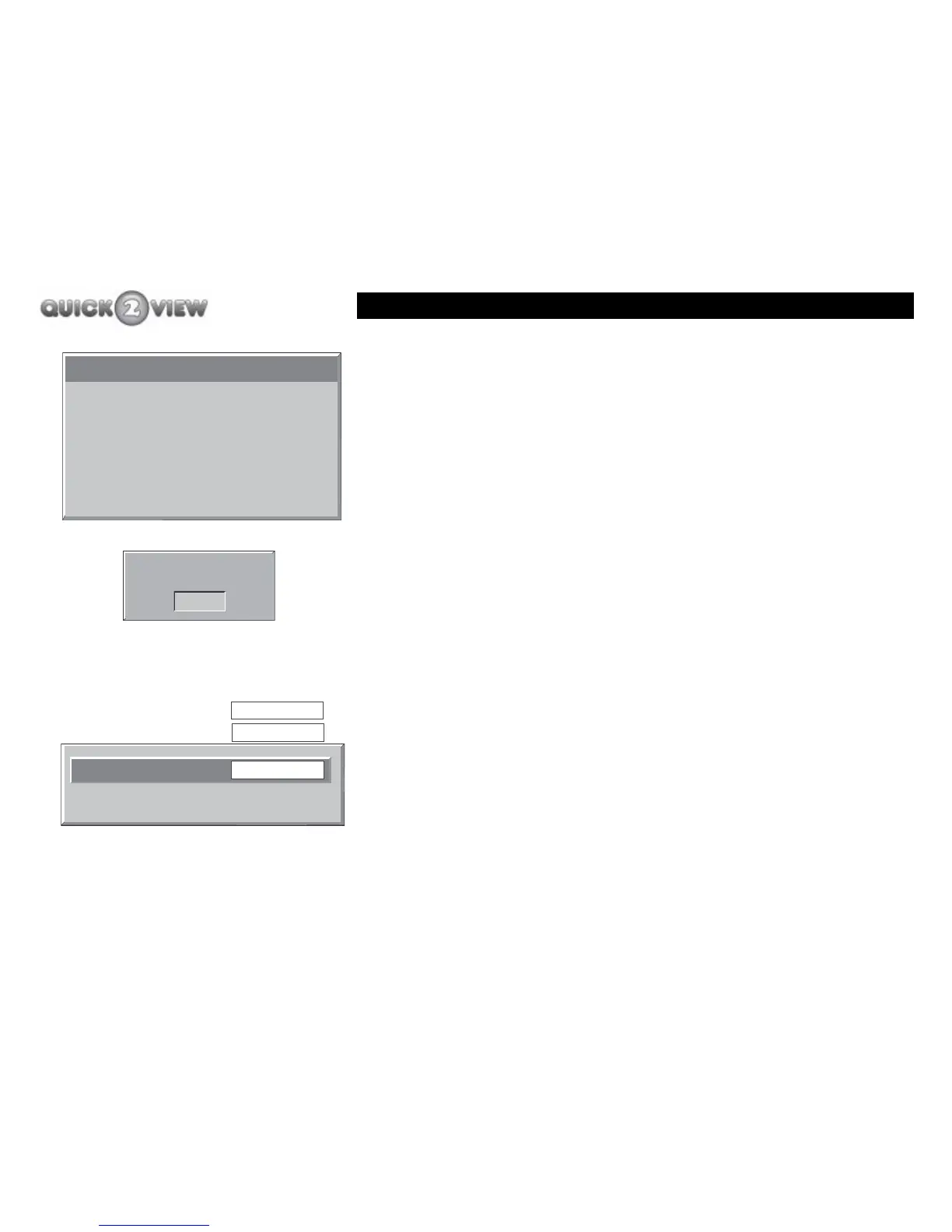
3 Your TV screen will display a window with the results
of the new software search, (see example left).
4 Press the 'MENU' button twice to return to the main
list of items.
How to set the parental settings
How to set your set-top box to help control what your children
can watch.
1 Press the 'down' and 'up' buttons to scroll through
the list until you have highlighted 'Parental Settings'.
2 Press the 'SELECT' button.
3 The panel shown left will be displayed and will wait
until you enter the lock code.
4 Enter the code using the number buttons on the
remote control.
5 When you have entered the correct code, the display
shown left will be displayed.
6 Press the 'right' button until the option you want is
displayed: 'Disabled', 'Main Menu' or 'Installation'
New Version N/A
Current Version 1.6.1
Software Upgrade
Enter Lock Key
- - - -
Set Lock Key
Menu Lock
Main Menu
Installation
Disabled



 To Next Page