Main menu
61
1 Press the 'down' and 'up' buttons to move through
the list of items until you have highlighted the one
you want to set.
2 Press the 'right' button until the required option you
have selected the option you want.
3 Repeat the steps above for each setting if you need
to.
How to set the receiver upgrade option
1 Press the 'down' and 'up' buttons to move through
the list of items displayed until you have highlighted
'Receiver Upgrade'.
2 Press the 'SELECT' button.
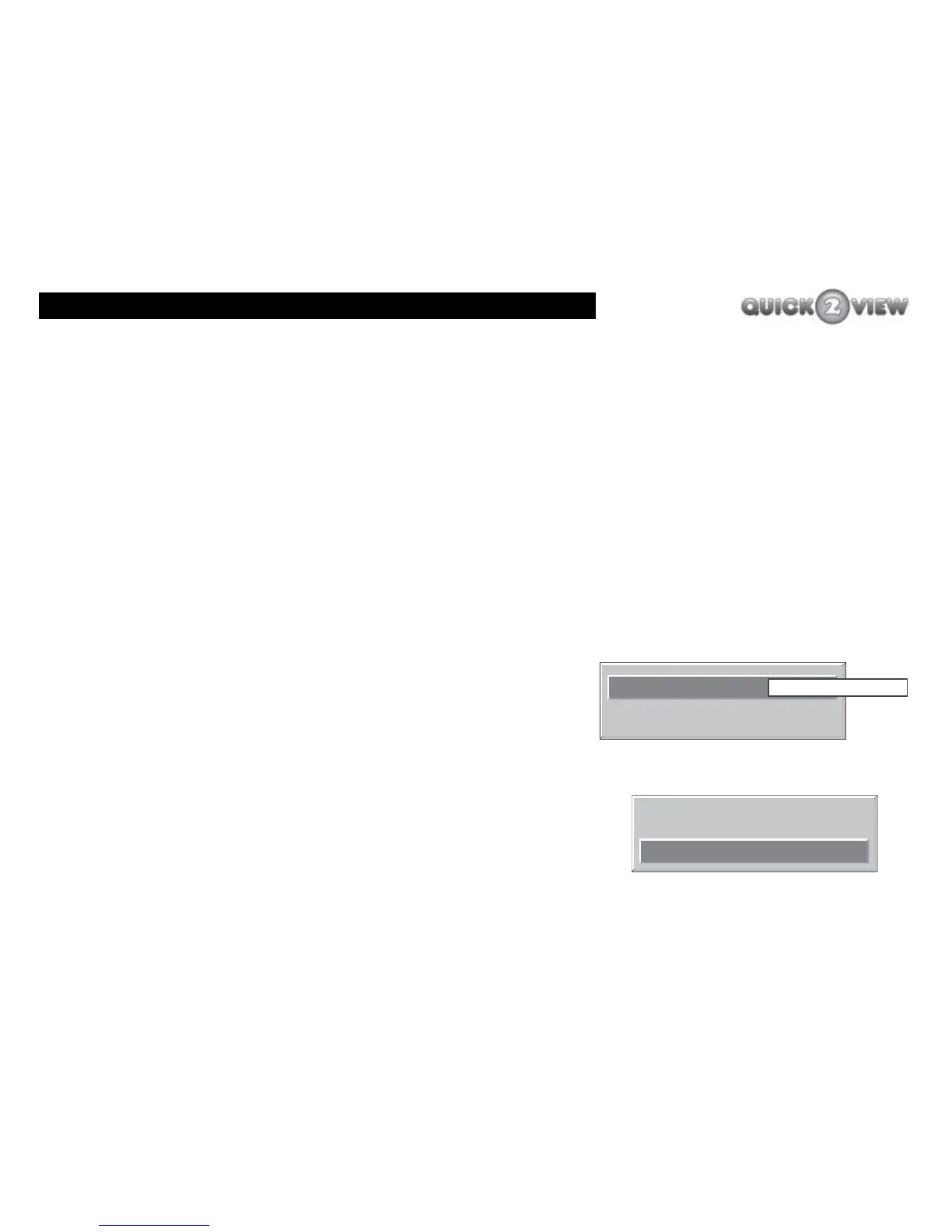
3 A box will appear with the words 'Auto Download'.
4 Press the 'right' button until you have chosen the
option you want, 'Enabled' or 'Disabled', (see right).
If you want to search for a New Version of the Receiver software
now:
1 Press the 'down' button to highlight the option
'Search For New Version', (see right).
2 Press the 'SELECT' button.
Search for New Version
Automatic Download
Disabled
Enabled
Search for New Version
Automatic Download Enabled



 To Next Page