Main menu
60
•'Theme'
You can set the background colour scheme in which
the set-top box displays its information.
• 'Receiver Upgrade'
You can enable or disable an automatic download of
a newer version of the software in the set-top box.
The current version number will be displayed on the
'Configuration' page.
• ‘Parental Settings’
This setting is used by some features on the set-top
box. You can use it to protect access to the channels
you have selected and the items in the 'Main Menu'.
Setting the following items:
• Audio Language;
•TV Type;
•TV Out;
•Favourite Mode;
• EPG Preference;
• Scan Encrypted Channels; and
•Theme
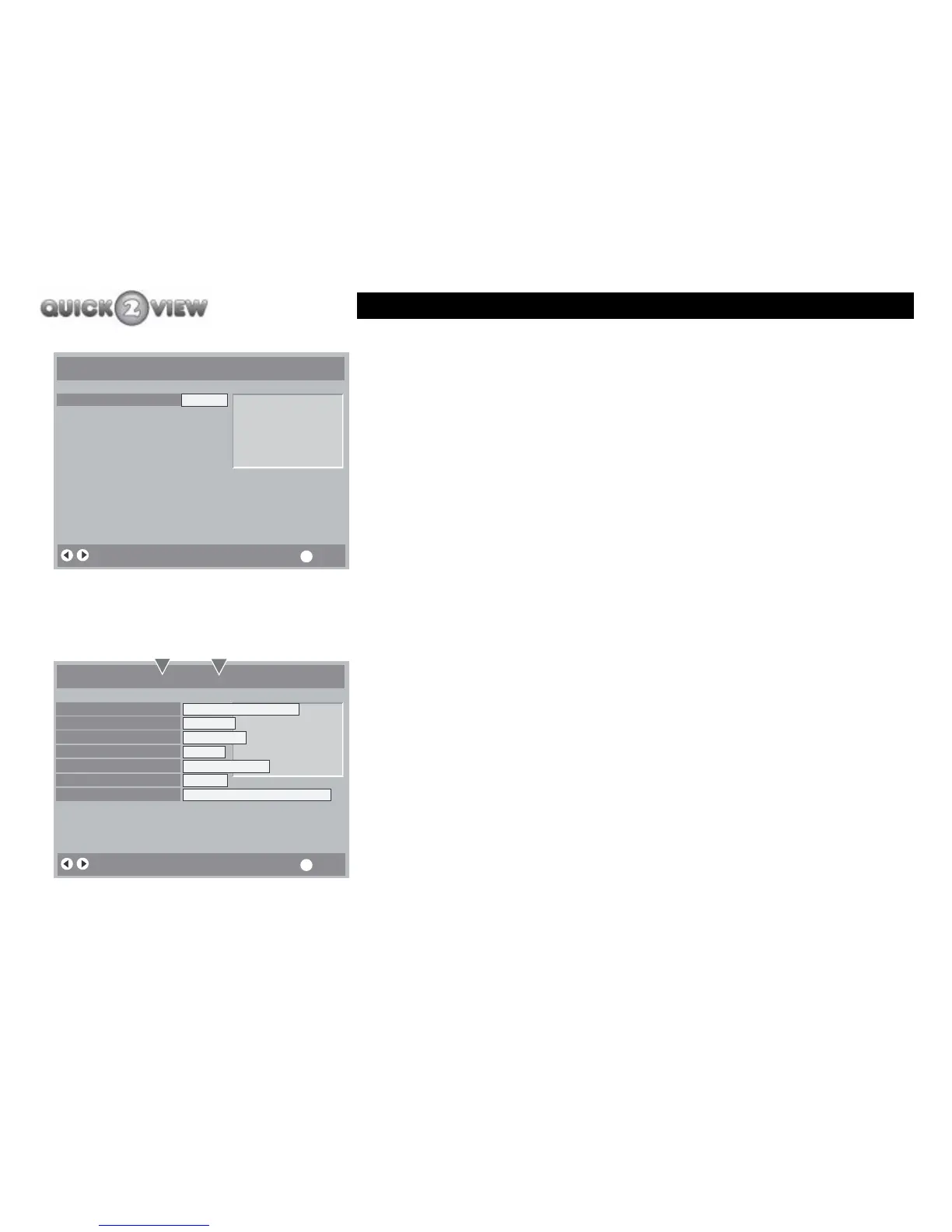
Configuration
Audio Language
TV Type
TV Out
Favourite Mode
EPG Preference
Scan Encrypted Chans
Theme
Receiver Upgrade
Parental Settings
English
4:3
RGB
Off
7 Day
Off
Alba
1.6.1
Change Default Audio Language More
i
Preview window
Configuration
Change Default Audio Language More
i
Audio Language
TV Type
TV Out
Favourite Mode
EPG Preference
Scan Encrypted Chans
Theme
Receiver Upgrade
Parental Settings
English Welsh Gaelic
4:3 Wide
RGB CVBS
Off On
7 Day Now/Next
Off On
Alba Eglist, Ocean ... Candy
1.6.1
OptionsSettings



 To Next Page