Basic operation
22
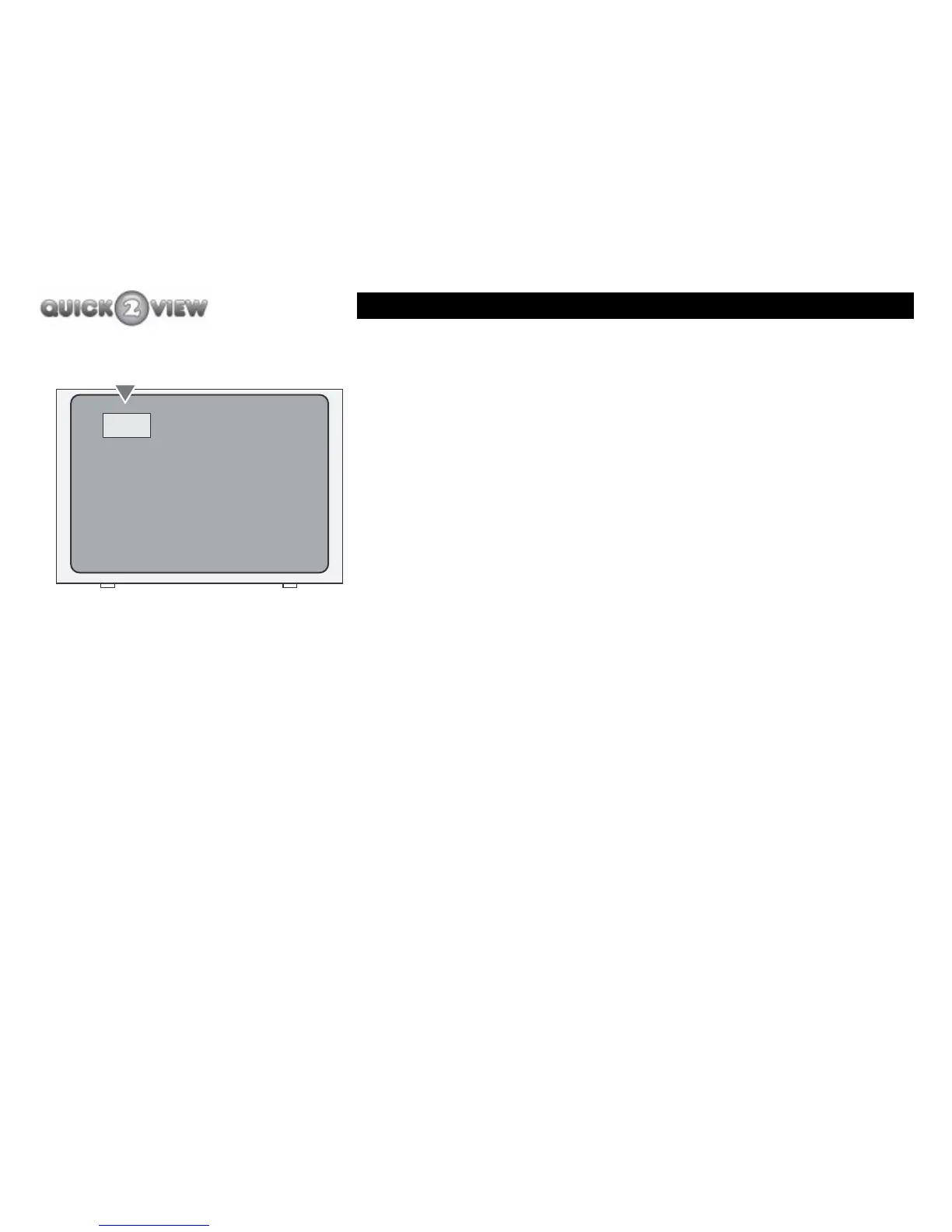
1 Press the number of the channel you want to watch.
2 When you press the first button, this number will
appear in a small box on your TV screen.
3 The set-top box will wait a short time to let you
enter another number if you need to.
4 After a short time the set-top box will assume that
the number you have entered is the channel you
want to watch and your TV will display the channel
you have chosen. In our example, (shown left) your
TV will display channel 4 if it is a stored channel on
your set-to box.
5 If the channel number you have entered is not a
stored channel, your TV will display the next highest
stored channel number.
4 - -
Channel number box
TV Set



 To Next Page