Basic operation
34
show this. If the channel you have selected is higher than 10th in
the list, it will show at the top of the list.
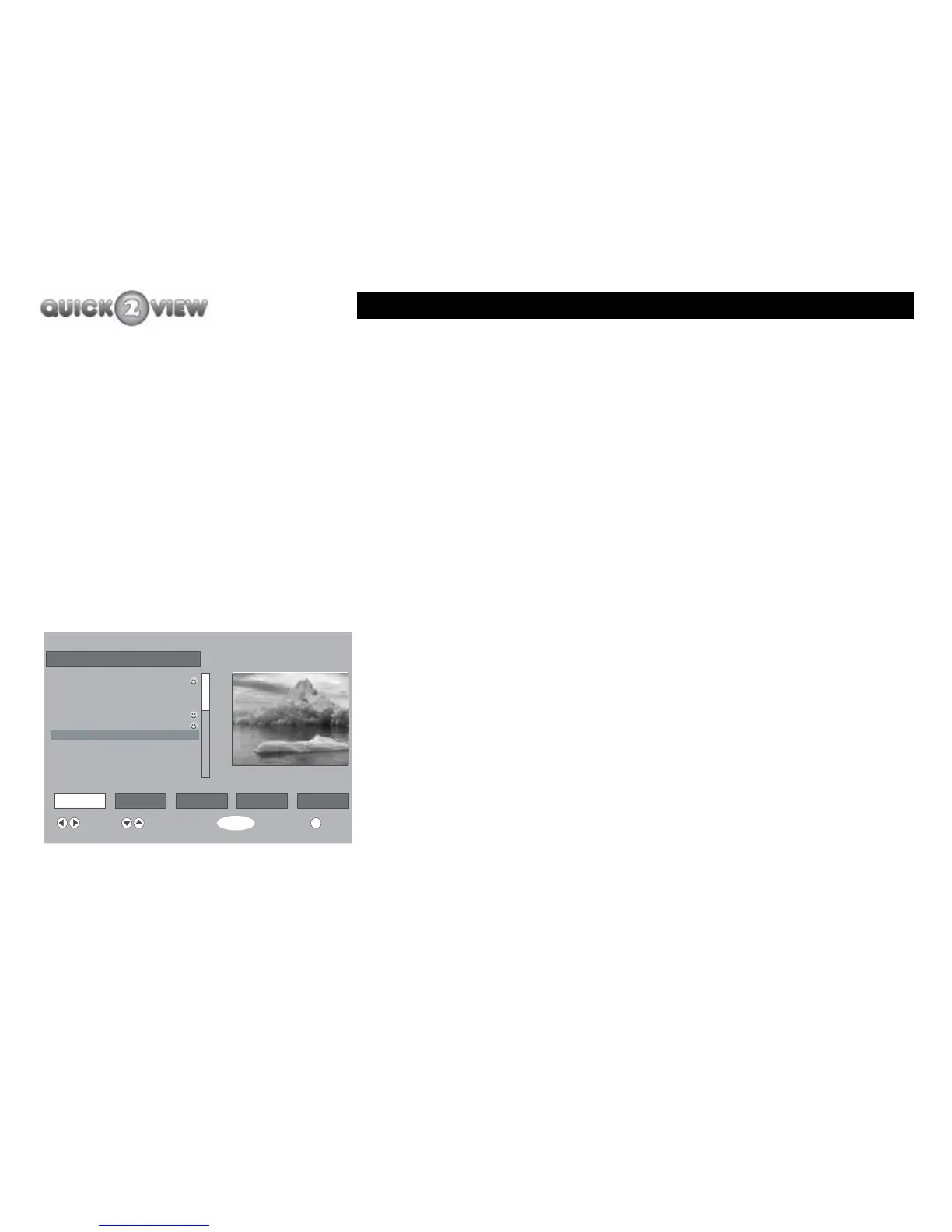
The channel you have selected picture will be displayed in the
small window. The number of the channel will be displayed
above the small window.
To select a different channel.
1 Press the 'up' or 'down' button to move the
highlighter bar 'up or down'. When you press the
button once, it will move the bar one position each
time. Press the 'PROG+' or 'PROG-' buttons to move
by 10 positions each time.
2 Press the buttons until the channel you want to
watch is highlighted.
3 Press the 'SELECT' button.
4 The small window will now display the channel you
have selected.
5 The number of the channel will also be displayed
above the small window.
If you need to, you can also use the buttons 'Delete', 'Edit', 'Lock'
and 'Favourites' to do the following.
6 ITV2
i
Channel List
Select Delete Edit Name Lock Favourites
Function Select Channel Watch More
SELECT
1. BBC ONE
2. BBC TWO
3. ITV1
4. Channel 4
5. Five
6. ITV2
7. BBC THREE
9. BBC FOUR
10. ITV3



 To Next Page