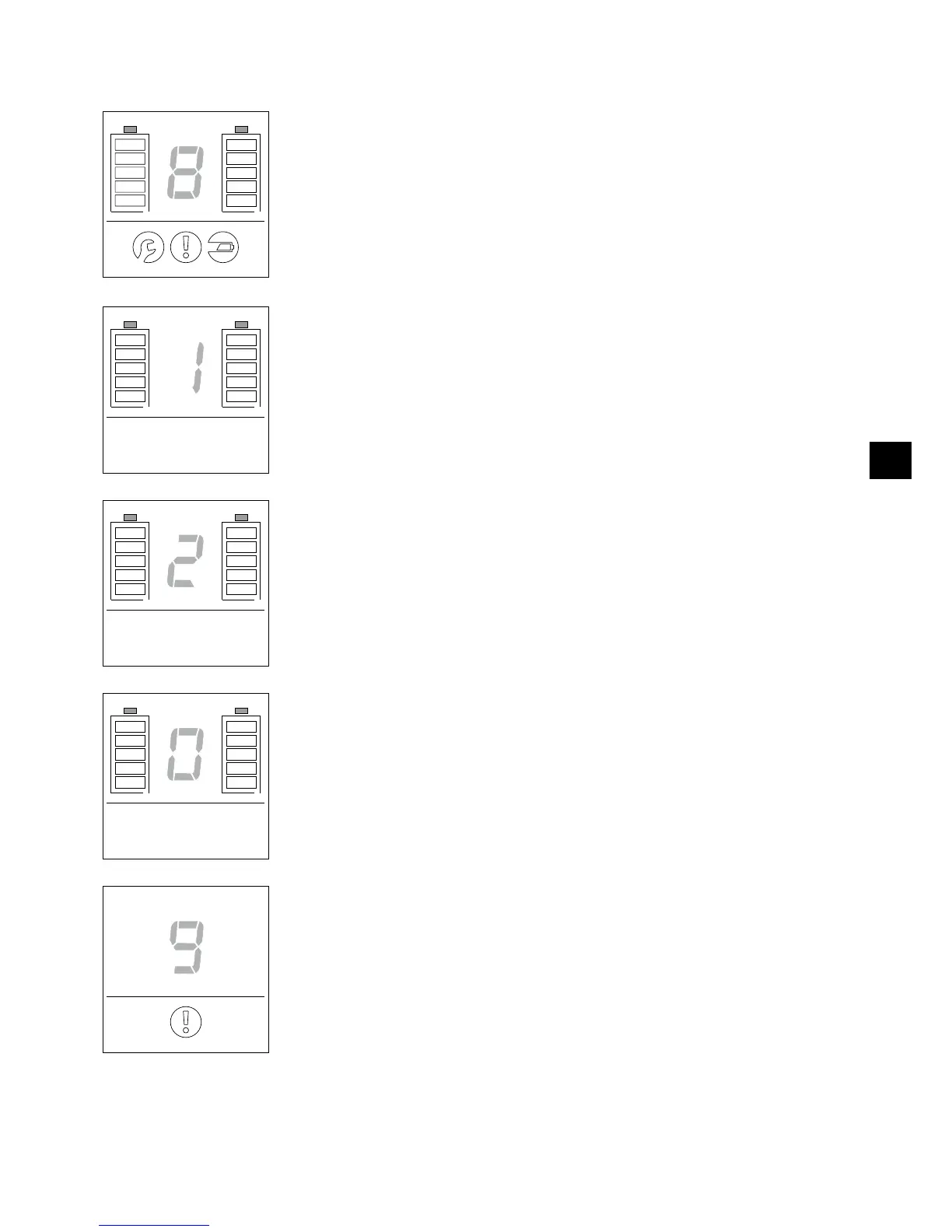
9.2 Function display
The remote control is activated after pushing any of the operating controls introduced in Chapter 9.1. All
display elements light up hereby for approx. 1 second (refer to the adjacent graphic illustration).
Push the button [23] on the remote control to simultaneously switch on both e-motion wheels in power
stage 1.
Power stage 1 and the charge status of both battery packs is indicated in the display.
A beep sounds at the e-motion wheels. The LEDs [1] on the wheel hub also signal the charge status of
the respective battery pack.
If you press the button [23] longer than 3 seconds, you will activate or deactivate the rollback lock (see
chapter 6.3) with this action. Attention: Power stage 1 is also activated at the same time.
Push the button [22] on the remote control to simultaneously switch on both e-motion wheels in power
stage 2.
Power stage 2 and the charge status of both battery packs is indicated in the display.
Two beeps sound at the e-motion wheels. The LEDs [1] on the wheel hub also signal the charge status of
the respective battery pack.
If you press the button [22] longer than 3 seconds, you will activate or deactivate the rollback lock (see
chapter 6.3) with this action. Attention: Power stage 2 is also activated at the same time.
Push the button [24] on the remote control to simultaneously switch off both e-motion wheels. A zero
and the charge status of both battery packs is indicated in the display.
A beep sounds at the e-motion wheels.
If the remote control does not detect the two wheels (for example, due to a poor remote communica-
tion), the information message shown here appears on the display.



 To Next Page