ALE-2/ALE-3 Basic DeskPhone User Manual 8AL91438ENABed01 13
• Enter alphabetic characters
The numeric dialpad has letters that can be displayed by successively pressing. The number is the last
character in the series. Some special characters can be displayed by successively pressing the key:
You can use navigation keys to move the cursor into the text.
• Delete the last entered character
2.10 Desk phone connectors
The phone supports multiple connectors, which you can use to extend the features of the phone.
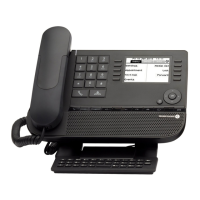
ALE-3 Basic DeskPhone ALE-2 Basic DeskPhone
1000 Mbps Ethernet port to the local area network (RJ45), also supporting Power over
Ethernet (PoE)
1000 Mbps Ethernet port to a PC (RJ45)
Wired headset connector (RJ9)
Wired handset connector (RJ9)
You can use the key to delete the last entered character. The alphabetic mode remains activated.












 To Next Page