8AL90344ENAAed01 31
OmniTouch™ 8128 SE WLAN Handset
7. Menu Operation
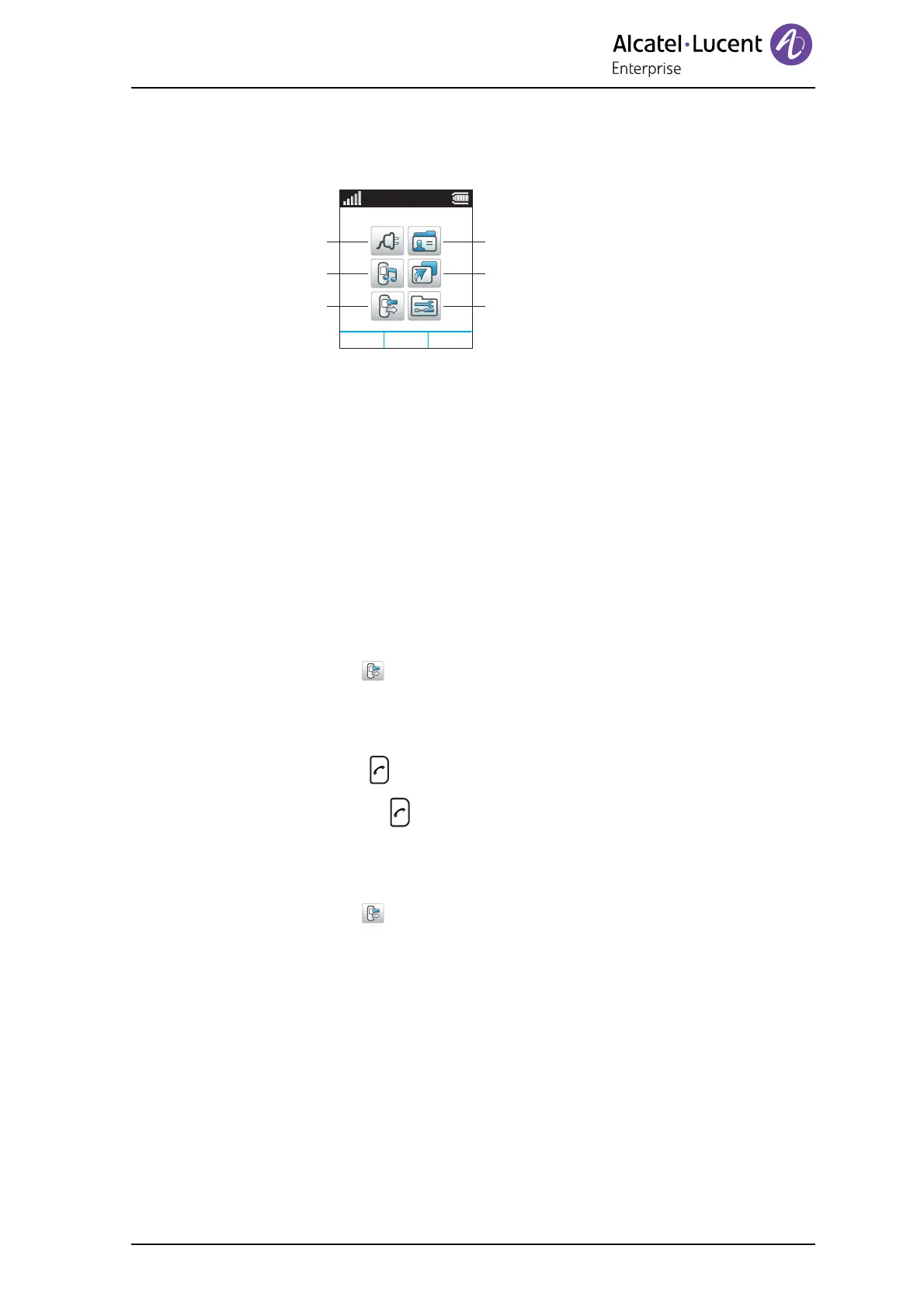
Figure 5. The Main menu.
7.1 Calls
7.1.1 Call List
The 25 last received, dialed, missed, or declined calls are stored in a call list. If a
number appears more than once, the last time stamp, together with the total number of
occurrences, is shown.
NOTE: If supported by the system, the number’s contact name can be displayed in the
call list.
Dial a Number from the Call List
1 Enter the menu by pressing the “Menu” soft key.
2 Select “Calls” in the menu.
3 Press “Select”.
4 Select “Call list”.
5 Step with Up and Downto select number in the list.
6 Press “Call” or to dial.
NOTE: A short press on replaces steps 1–4.
View the Time of a Call
1 Enter the menu by pressing the “Menu” soft key.
2 Select “Calls” in the menu.
3 Press “Select”.
4 Select “Call list”.
5 Step with Up and Down to select number in the list.
6 Press “More”.
7 Select “Time of call”. The time and date is displayed.
Select
Back
Connections
Profiles
Contacts
Settings
Short cuts
Calls
13:00












 To Next Page