8AL90344ENAAed01 53
OmniTouch™ 8128 SE WLAN Handset
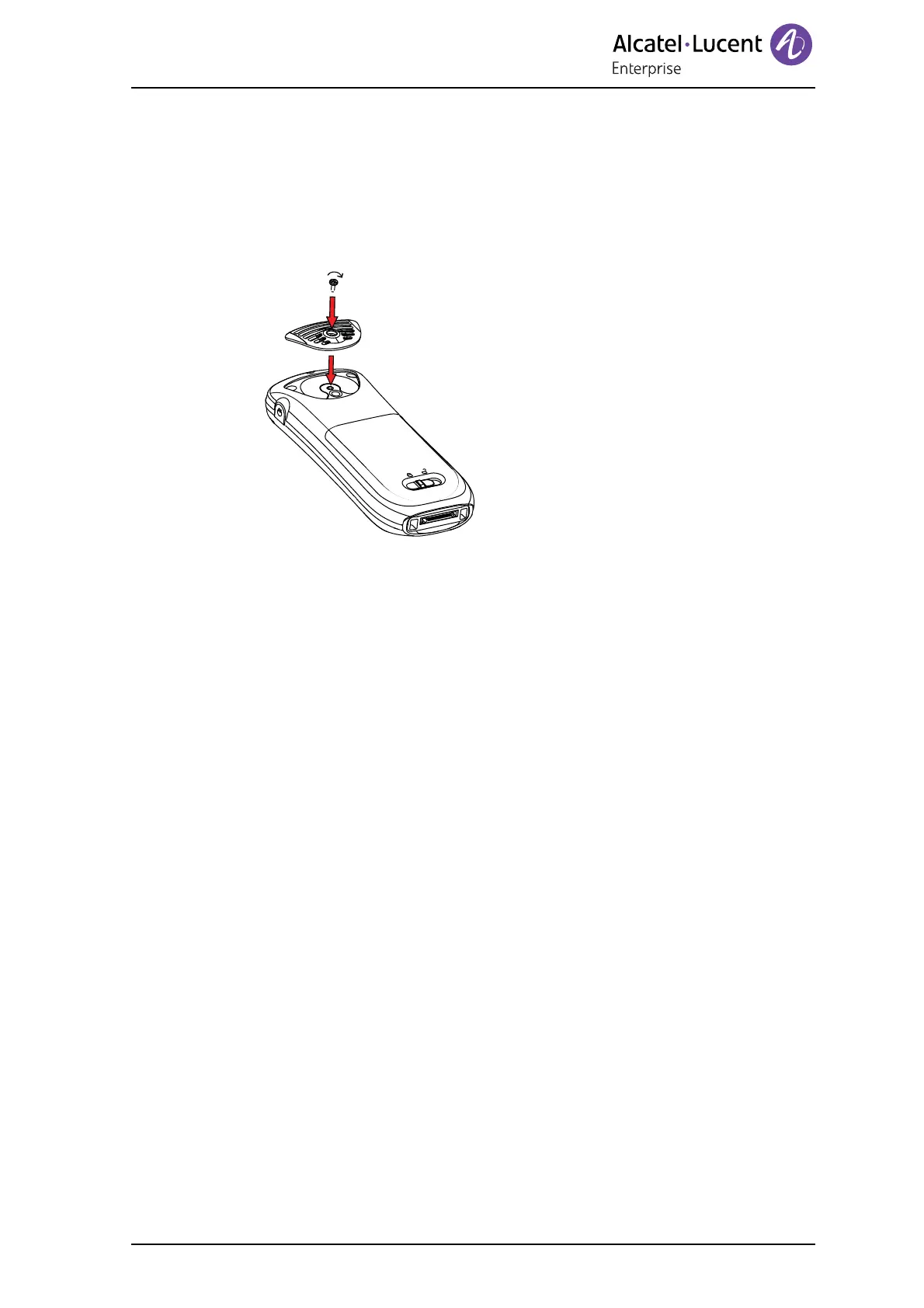
11.4 Attach Cover for No Clip
Attach the enclosed cover as described in the illustration below, when no clip is to be
used.
Figure 9. Screw the cover into position.
11.5 Replacement of Handsets
A handset can be replaced with a new handset if it is broken. Refer to Configuration
Manual, WLAN Handset, TD 92923EN.
12. Troubleshooting
This section contains information on how to solve common operational problems and
warnings.
Go through the following lists, if you encounter any problems. If this checklist does not
solve the problem, contact your system administrator.
If others have similar problems, there may be a system error.












 To Next Page