8
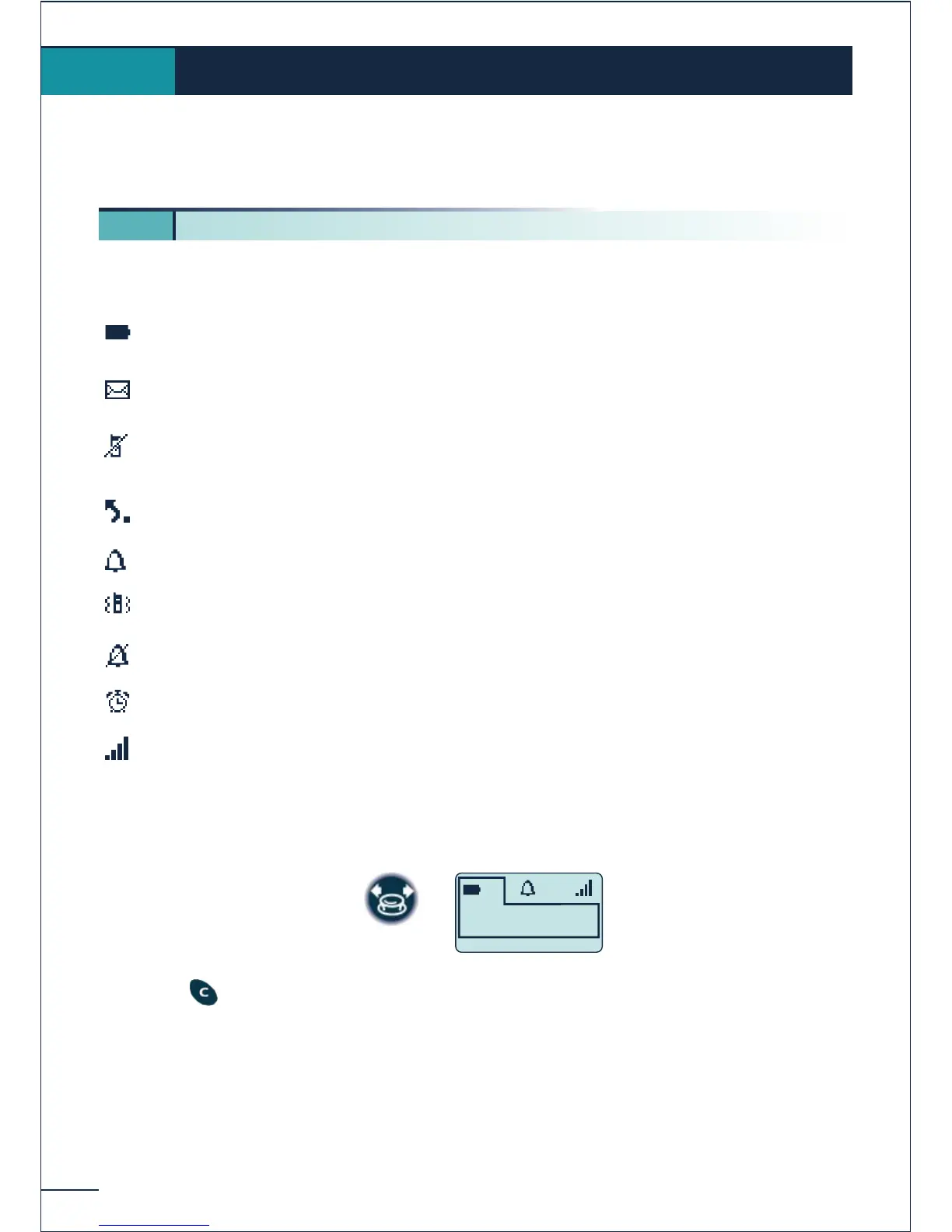
The display features 1 line of status icons and 3 lines of 16 alphanumerical characters.
The Mobile 200 also features a display and backlit keypad.
The status icons are displayed on the welcome screen and indicate the status of the
telephone.
Battery charge level
Messages received:
voice and text messages, call-back requests and unanswered calls
Calls received that have remained unanswered (if no other types of
message)
Call forwarding activated
Ringer active
Vibrator active (Mobile 200)
Ringer disabled
Programmed call-back time
Radio reception quality
You can obtain details on the status icons from the tooltips that appear on the welcome
screen when you use the navigator:
Press the key to make these tooltips disappear.
Display and corresponding icons
1.
1 1. Status icons















 To Next Page