15
Using your telephone
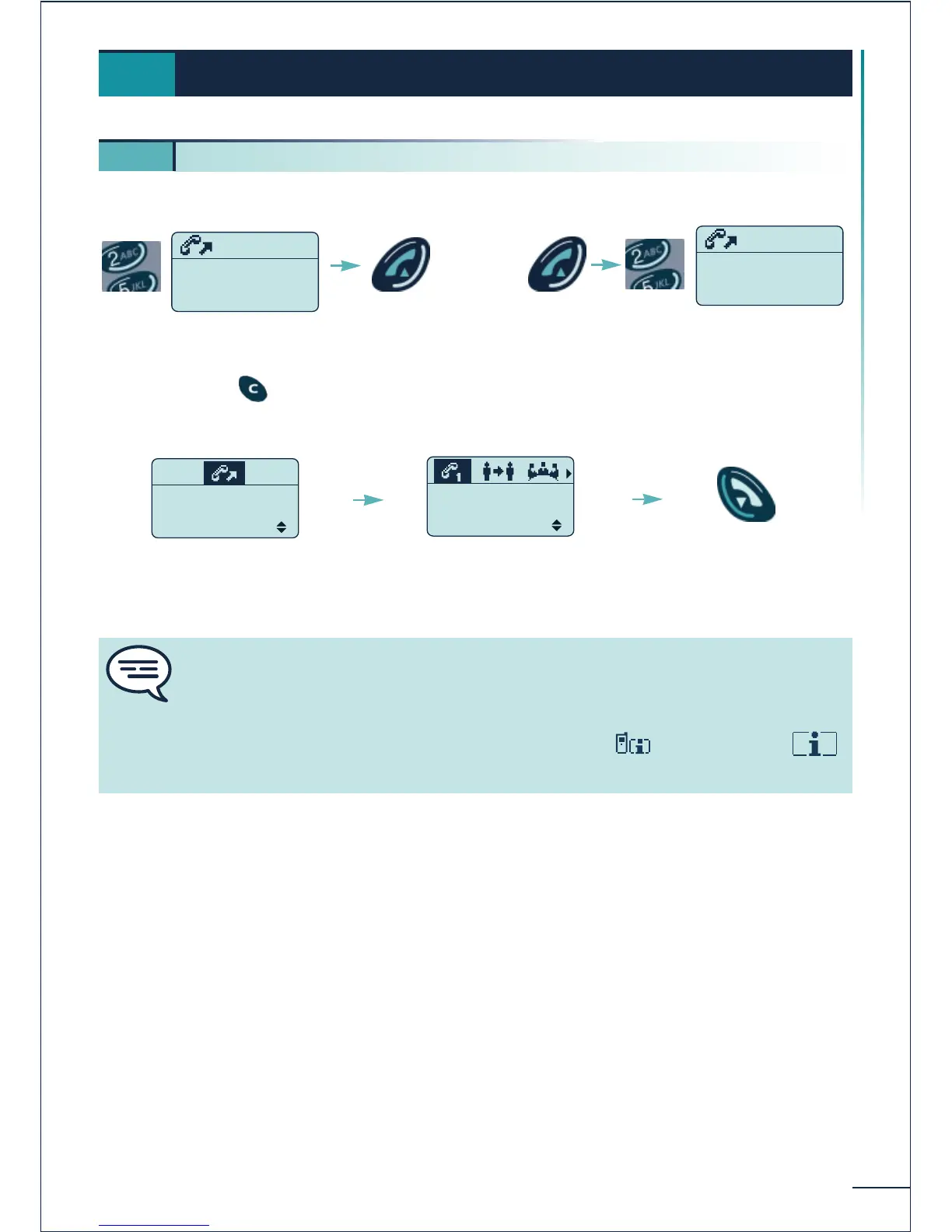
Block mode dialling Digit-by-digit mode dialling
Erase using the key
OPTIONS:
Your correspondent doe not answer, you can confirm the option:
"Call back" to request a call-back
"Text Mail" to send a text message
"Voice Mail" to leave a voice message
"Answer LS" to send a message directly over your correspondent's loudspeaker
"DECT" to call his DECT mobile terminal
Using your telephone
3.
3 1. Making a call
Dial
Send the
call
You are in
conversation
Hang up
- To make a call to the exterior, dial the "Direct outside line" code before your
correspondent's number.
- To call the operator, dial the "Attendant call" code.
Consult the corresponding codes under the heading "Call" of the
function















 To Next Page