69
Registering the telephone
Selecting your telephone system
Your telephone can be programmed to function on 5 different DECT systems (ALCATEL
or GAP).
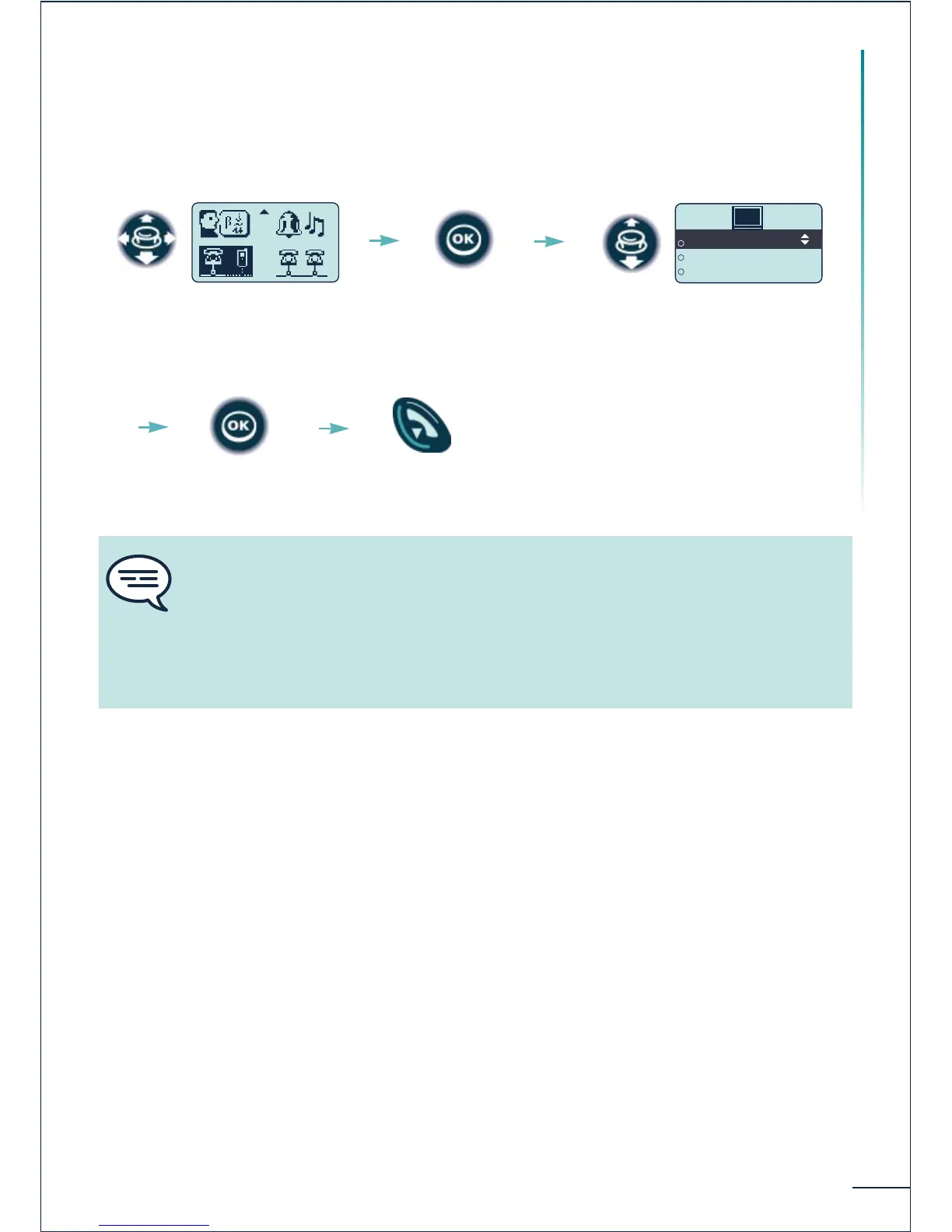
Select the "System"
function
Select the desired input (the
chosen option is indicated by the
radio button with a central dot)
Confirm Return to idle
Confirm
The selection is retained even after switching the telephone on/off. The selection of
a specific system (SYSTEM) forces operation on a specific system. This selection
must be changed if one wishes to change system. Selecting "Lock to any" enables
the telephone to connect automatically when it enters a system coverage zone. If the
systems programmed in the telephone have common coverage zones, the telephone
selects the first system found.















 To Next Page