59
MANAGER/SECRETARY filtering set
The manager/secretary filtering set is a special configuration comprising at least two
multiline terminals offering specific operating options. The manager/secretary
configuration can comprise several manager terminals and several secretary terminals.
(*) Display of the status of the secretary's terminal.
The following supervision icons exist:
No icon : secretary available
¨ : secretary absent
n : secretary in conversation
The filtering function allows calls to the manager's terminal to be forwarded to the
secretary's terminal.
The filtering is associated with a filtering table defined by the system administrator.
This table can contain either priority numbers or numbers to filter.
If you have a table of numbers to filter, only the calls from correspondents identified in
that table will be forwarded to the secretary.
If you have a table of priority numbers, only the correspondents identified in that table
can call you directly.
MANAGER/SECRETARY filtering set
8.
8 1. Manager terminal
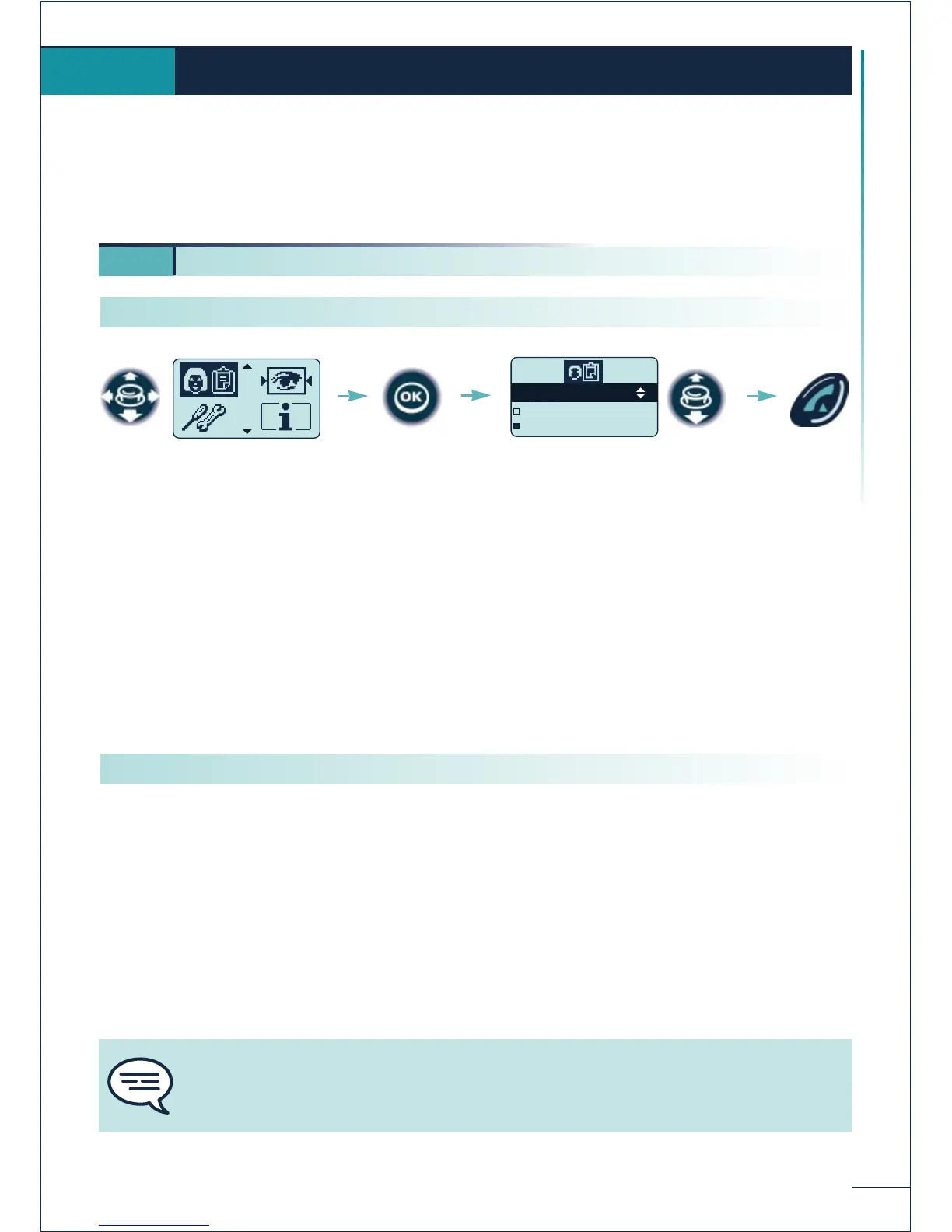
Select the
"Manager/secretary"
function
Select the secretary (*)
Confirm
Send the
call
You cannot activate simultaneously a table of priority numbers and a table of
numbers to filter. Activation of the table of priority numbers cancels filtering by the
table of numbers to filter.
Calling a secretary directly
Activating call filtering















 To Next Page