10
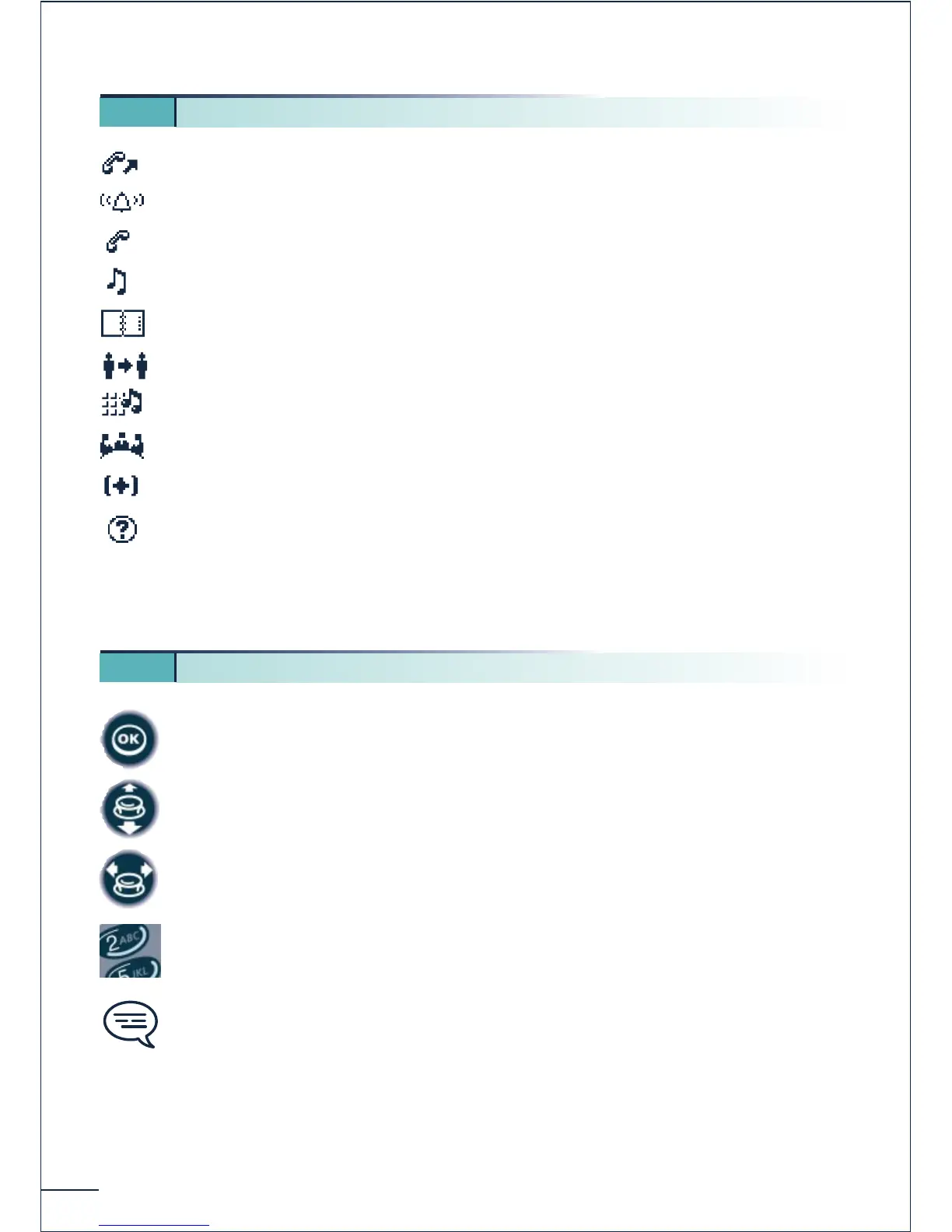
Making a call
Answering a call*
In conversation*
Call on hold*
Accessing the directories
Transferring a call
Switching to DTMF signals
Setting up a conference
Additional options
Call duration and cost
* In the event of a multiple call, the icons are given indices to represent the different correspondents
Press briefly on the navigation key to access the MENU and to confirm.
Move the navigation key up or down.
Move the navigation key to the left or right.
Use the keypad to enter digits and letters.
Important information.
These symbols can be supplemented by small icons or texts.
All the implicit or personalized codes are presented in a table of codes provided with the
telephone.
1 3. Call icons
1 4. How to use this manual?















 To Next Page