70
Press the phone key to enable or disable
the microphone mute (toggle).
Accessories
10.
10 1. Chargers
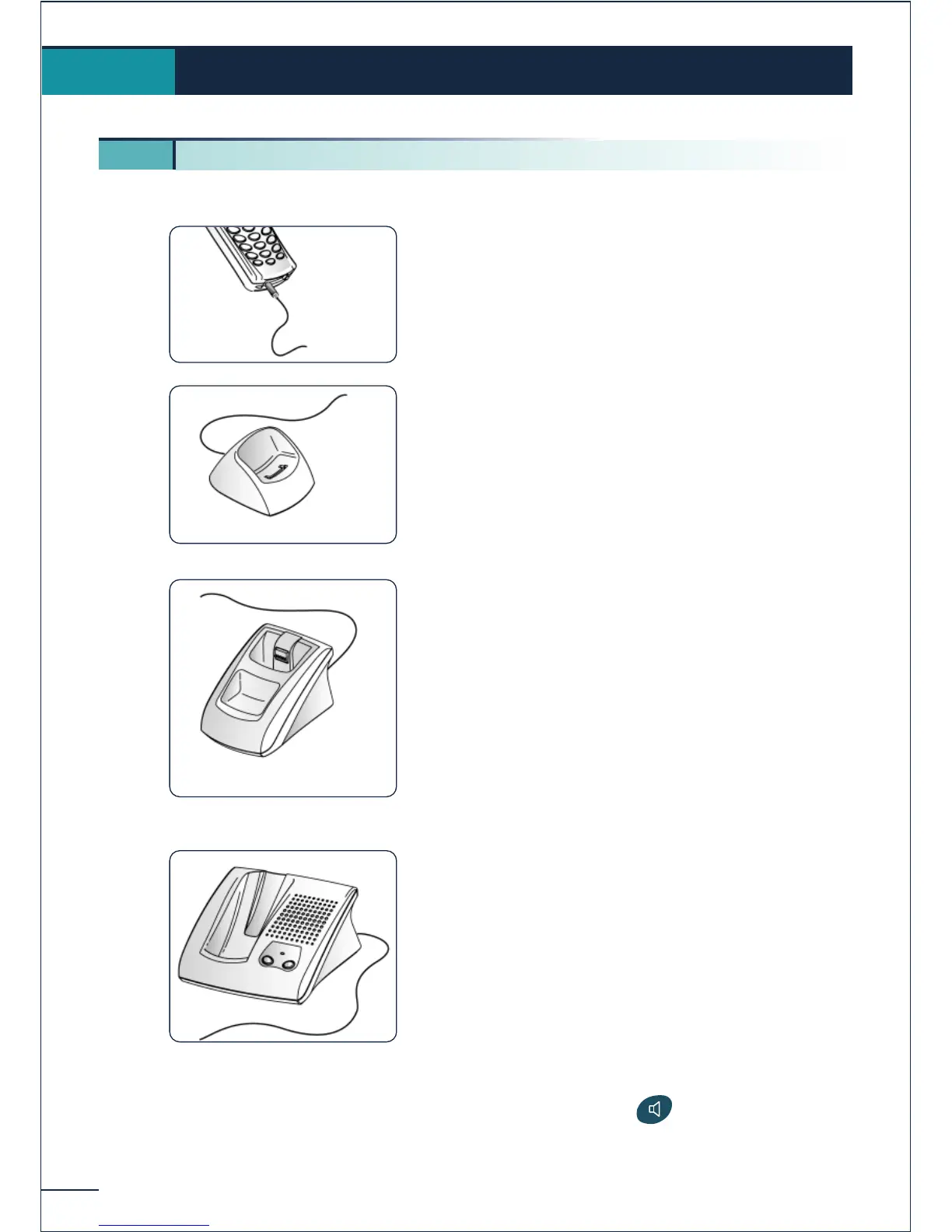
The "Corded" charger features:
1. a cable for connection to mains power via an
AC/DC adapter.
The "Basic Desktop" charger features:
1. a holder for the telephone,
2. a cable for connection to mains power via an
AC/DC adapter.
The "Dual Desktop" charger features:
1. a support with:
a recess for the telephone,
a recess for an extra battery,
a light indicating the charge level of the
extra battery,
2. a cable for connection to mains power via an
AC/DC adapter.
The "Voice Desktop" charger features:
1. a support with:
a recess for the telephone,
a loudspeaker and microphone for use in
"hands free" mode,
two + /- volume adjustment buttons,
2. a cable for connection to mains power via an
AC/DC adapter.















 To Next Page