23
Using your telephone
You can allocate the cost of your external communications to customer account numbers.
1. Validate the "Account code" function under the heading ÞÞ
"Services" Þ "Diverse services".
2. Enter the customer's account number.
3. Enter the "Direct outside line" code followed by the number of your
correspondent.
You can place a correspondent on hold and pick up the call on any one of the company's
terminals.
Picking up a "parked" call:
From the terminal on which the call was parked: validate the "Park/Retrieve" function
under the heading ÞÞ "Services" Þ "Pick up services".
From any terminal: repeat the same operation then enter the number of the terinal on
which the call was parked.
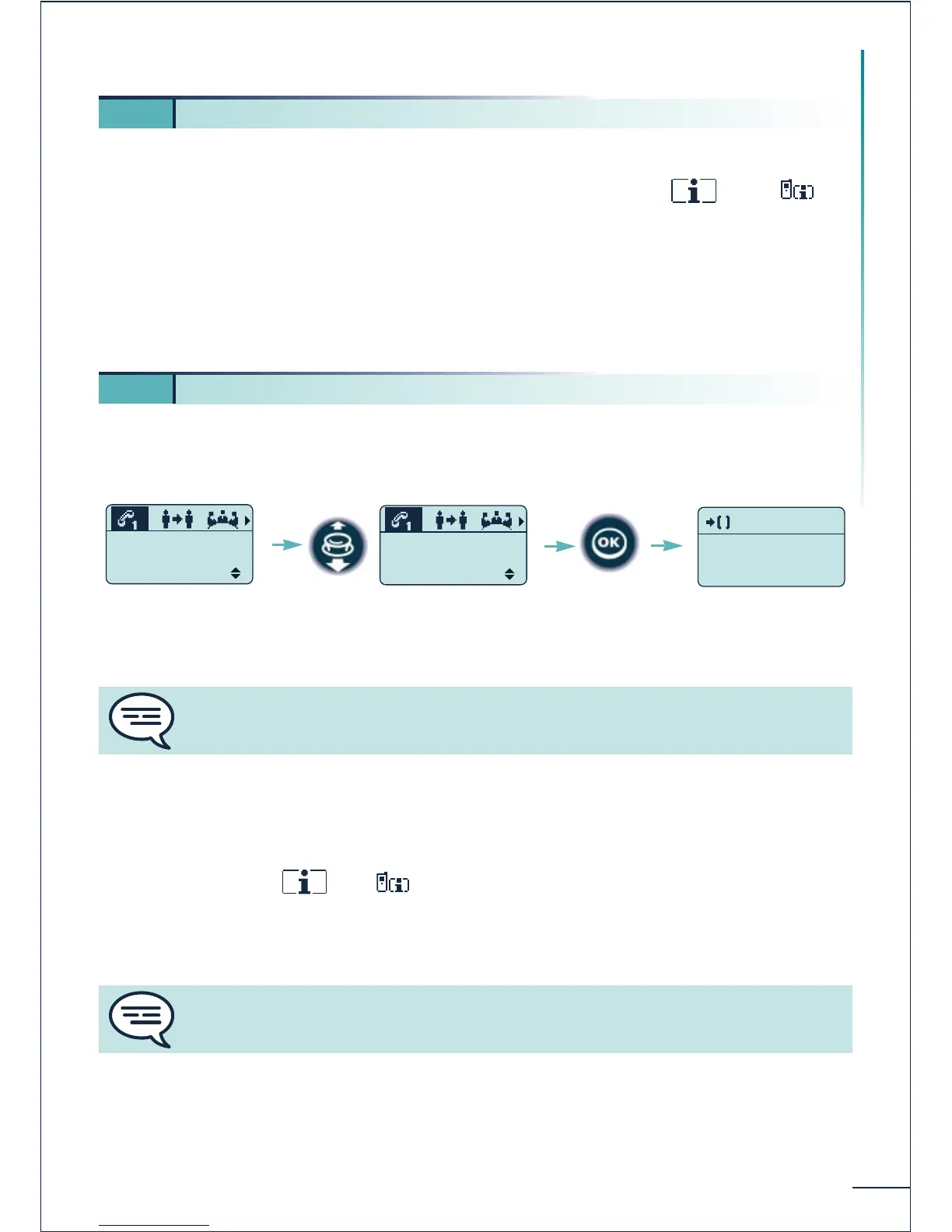
3 16. Allocating your calls to customer account codes
3 17. Placing an external correspondent on hold (parking)
Call in progress
Dial the number of a
terminal or hang up
If you hang up without dialling a terminal number, the call is "parked" on your
terminal.
If the call is not picked up retrieved within a given lapse of time, it is forwarded to
the operator.















 To Next Page