38
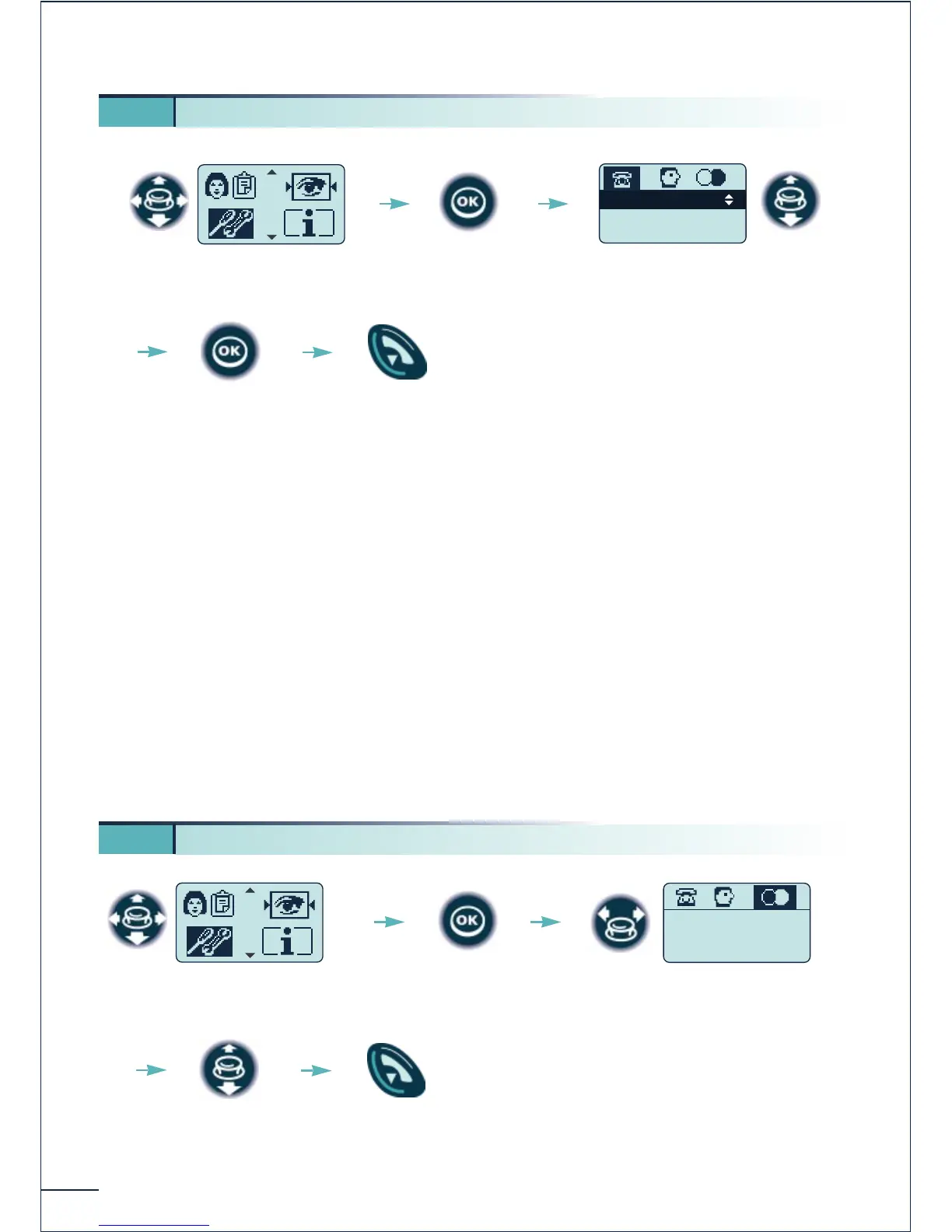
* You can activate or disable the following functions:
Back-light (Mobile 200) The telephone is back-lit when you press a key
Ringer The telephone rings when there is an incoming call
Vibrator (Mobile 200) The telephone vibrates when there is an incoming call
Keypad beep A beep is emitted each time a key is pressed
Warning beep A beep is emitted as soon as an error is detected
Coverage beep A beep is emitted when the radio link is no longer
detected
Screen Saver Screen proposed after a period of inactivity
5 9. Adjusting your telephone functions
Select the "Adjustment"
function
Confirm















 To Next Page