37
Customizing and adjusting your telephone
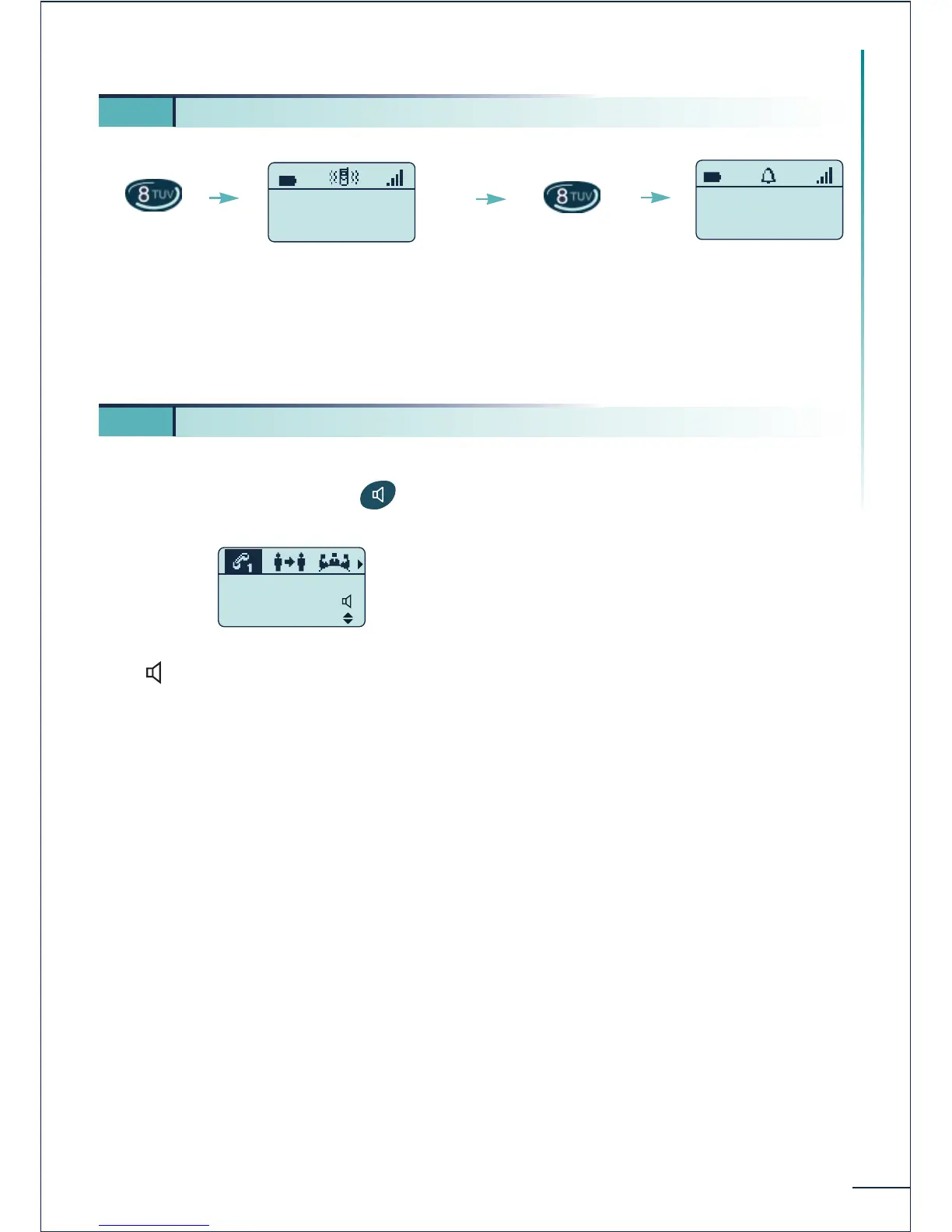
This key can be used to switch rapidly from the ringer to the vibrator and vice-versa.
You can activate or disable the terminal loudspeaker when dialing a number of during a
conversation by pressing the key.
The icon indicates activation of the loudspeaker.
The audio level, like the earpiece volume, can be adjusted by using the + and - key located
on the side. When making the adjustment, beeps indicate selection of the maximum or
minimum level.
The loudspeaker can be particularly useful for listening to the voice guides, when listening
to recorded messages for example.
5 7. Activating the vibrator or ringer (Mobile 200)















 To Next Page