Chapter 3 Management from the attendant set
3-34 3BA 19875 ENAA - Ed. 02 - April 2000 - Alcatel 4035 - Attendant set
Delete deletes the characters entered.
Back used to return to the charging main menu.
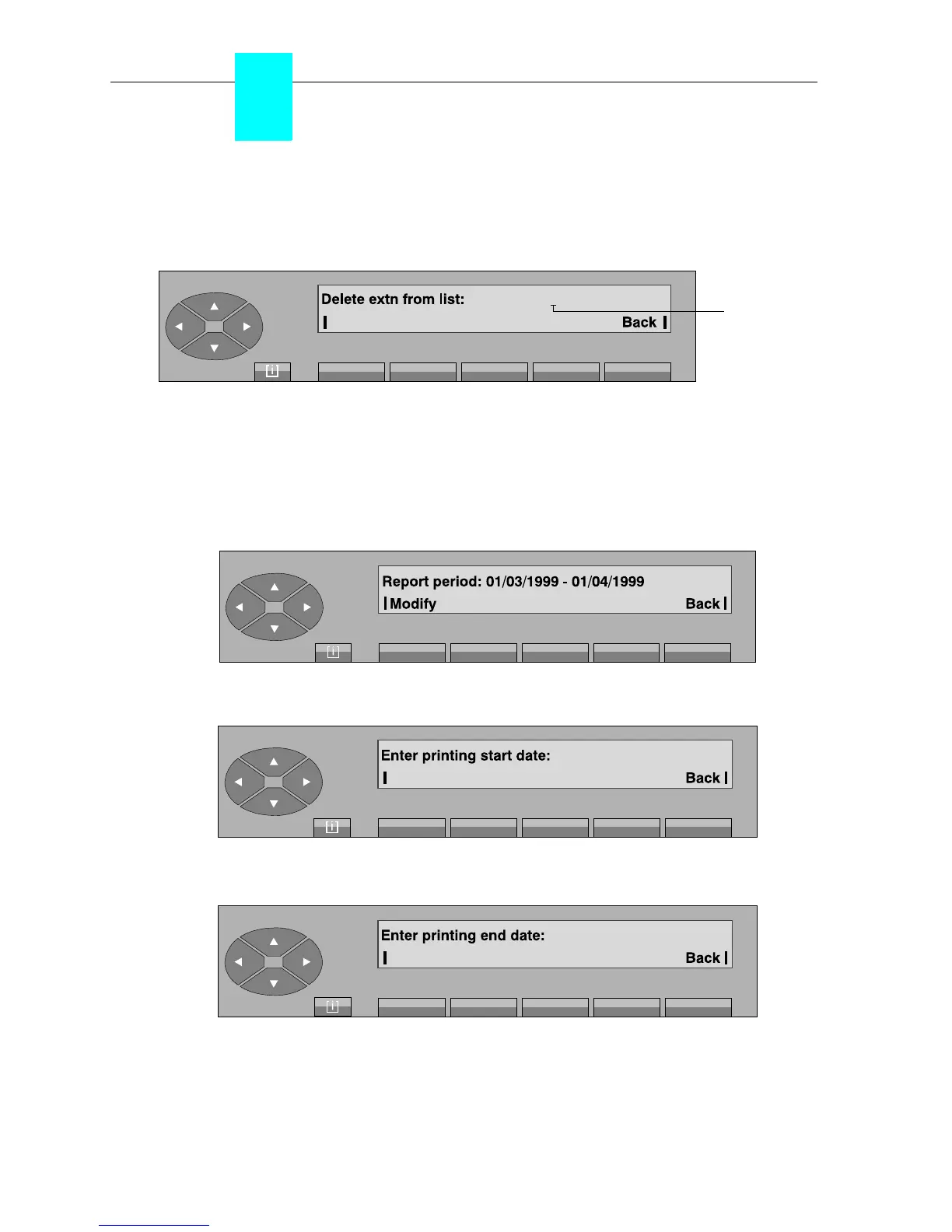
. On pressing the «Delete» key, the following is displayed:
The attendant enters the number of the set to be deleted from the existing list. «Delete» label
is displayed.
Delete deletes the characters entered.
Back used to return to the charging main menu.
- On pressing the «Report» key, the following, for example, is displayed:
. On pressing the «Modify» key, the following is displayed:
After entering the start date of the financial report, the following is displayed:
The printing of the financial report will be started at the end date and will concern the period
between the start date and the end date. In our example, this is a period of one month which
will be taken into account cyclically for the start and observation period of the next financial
reports.
Cursor
position



 To Next Page