Management from the attendant set
3BA 19875 ENAA - Ed. 02 - April 2000 - Alcatel 4035 - Attendant set 3-37
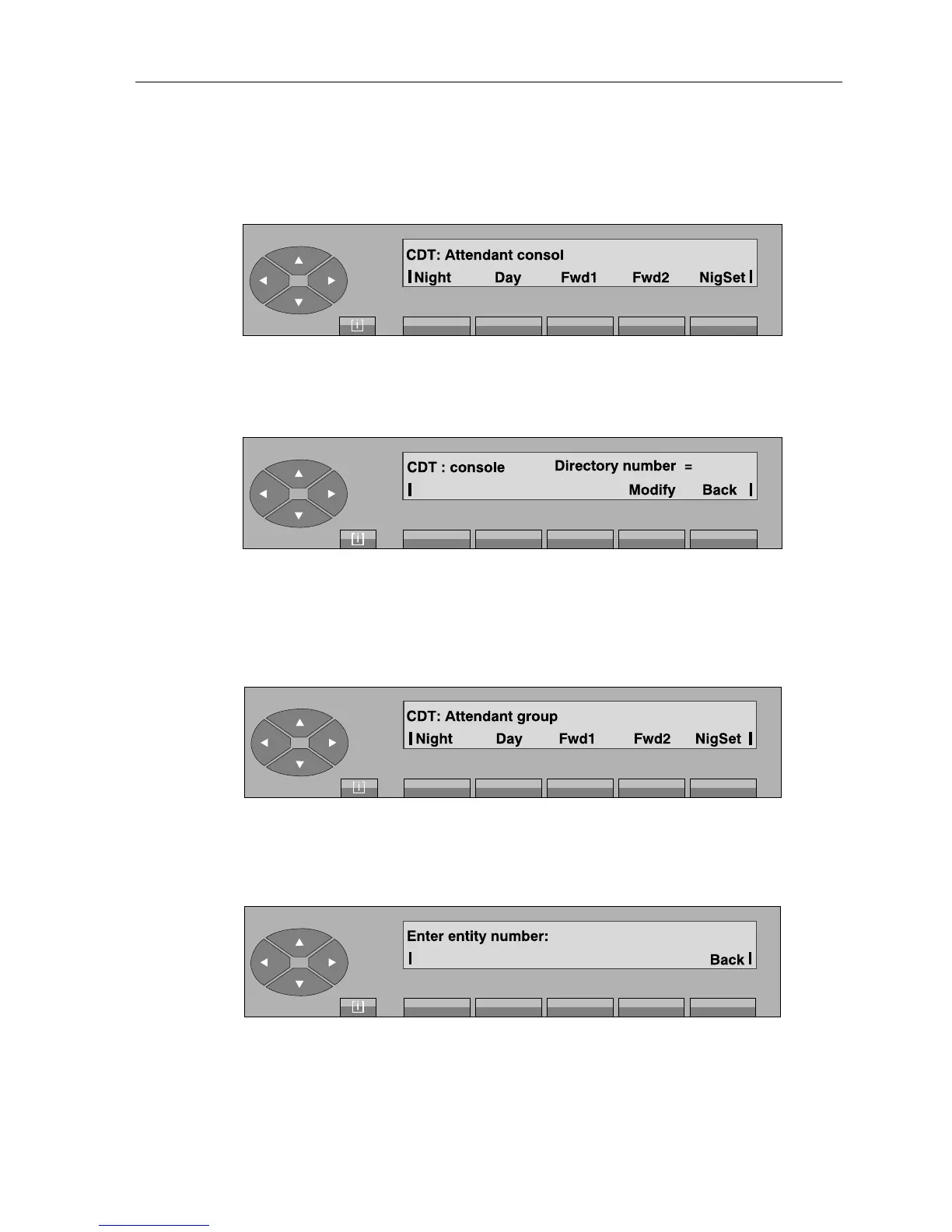
- On pressing the «Consol» key, the following screen is displayed:
Then, depending on the key pressed («Night», «Day», «Fwd1», «Fwd2», «NigSet»),
the screen displays the first repertory number for the forwarding programmed for the mode
selected:
Modify used to modify the forwarding repertory number,
Back is used to return to the previous display.
- On pressing the «Group» key, the screen displays:
The rest of this screen is the same as the one described for the «Consol» key.
- On pressing the «Entity» key, the screen displays:



 To Next Page