Chapter 3 Management from the attendant set
3-36 3BA 19875 ENAA - Ed. 02 - April 2000 - Alcatel 4035 - Attendant set
Date used to modify the date for the entire installation.
Time used to modify the time for the entire installation.
Back used to return to the initial screen.
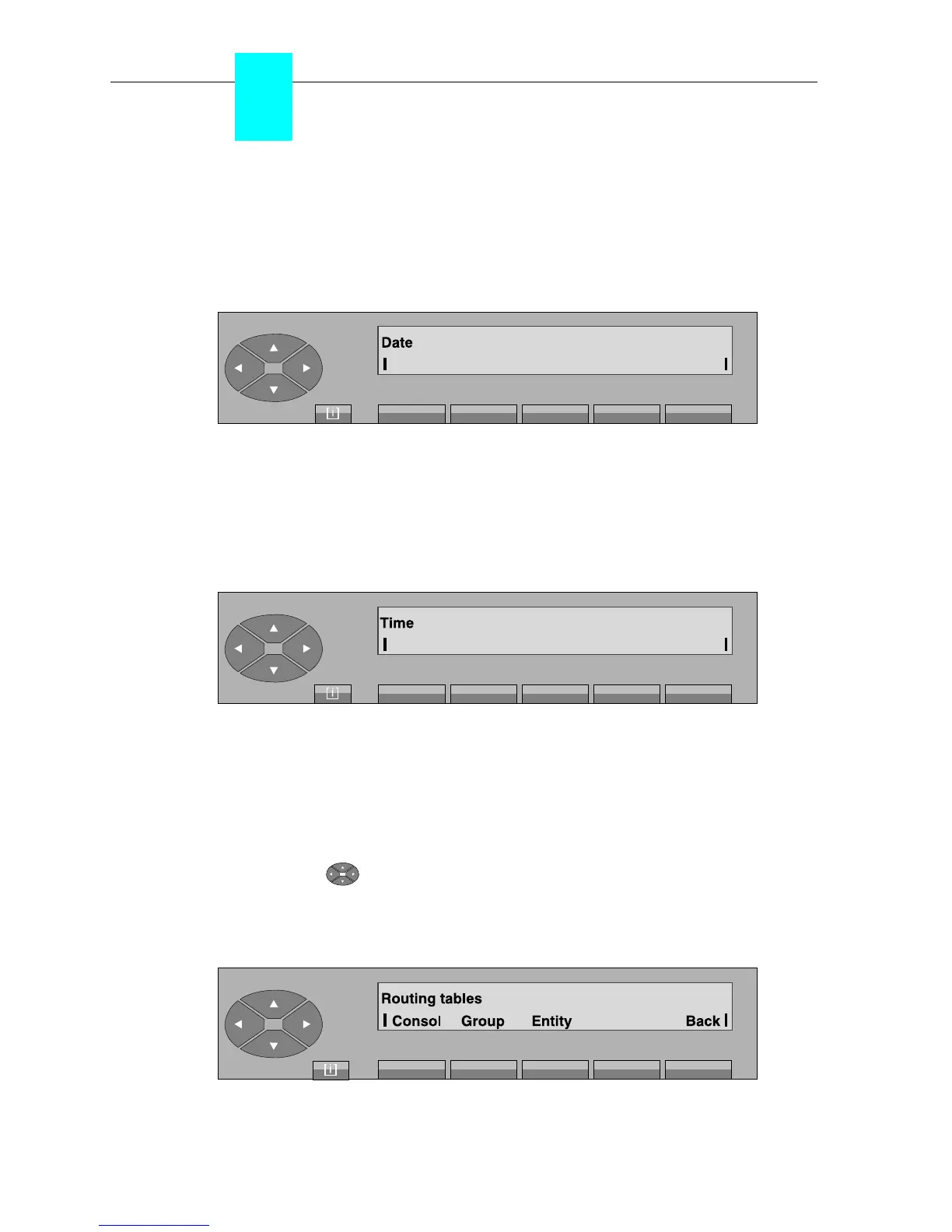
- On pressing the «Date» key, the screen displays the date programmed:
The date can be modified as follows:
. enter via the number keypad 2 digits for the day,
. enter via the number keypad 2 digits for the month,
. enter via the number keypad 4 digits for the year.
- On pressing the «Time» key, the screen displays the time programmed:
The time can be modified as follows:
. enter via the number keypad 2 digits for the hours,
. enter via the number keypad 2 digits for the minutes.
3-2-2-11 Routing tables
By pressing the « » key, then on the «RouTab» key, the attendant can manage the various
forwarding operations for the attendant terminal, attendant group, the entity - all this in night
mode, day mode, forwarding 1 and forwarding 2. The screen displays:



 To Next Page