Chapter 3 Management from the attendant set
3-42 3BA 19875 ENAA - Ed. 02 - April 2000 - Alcatel 4035 - Attendant set
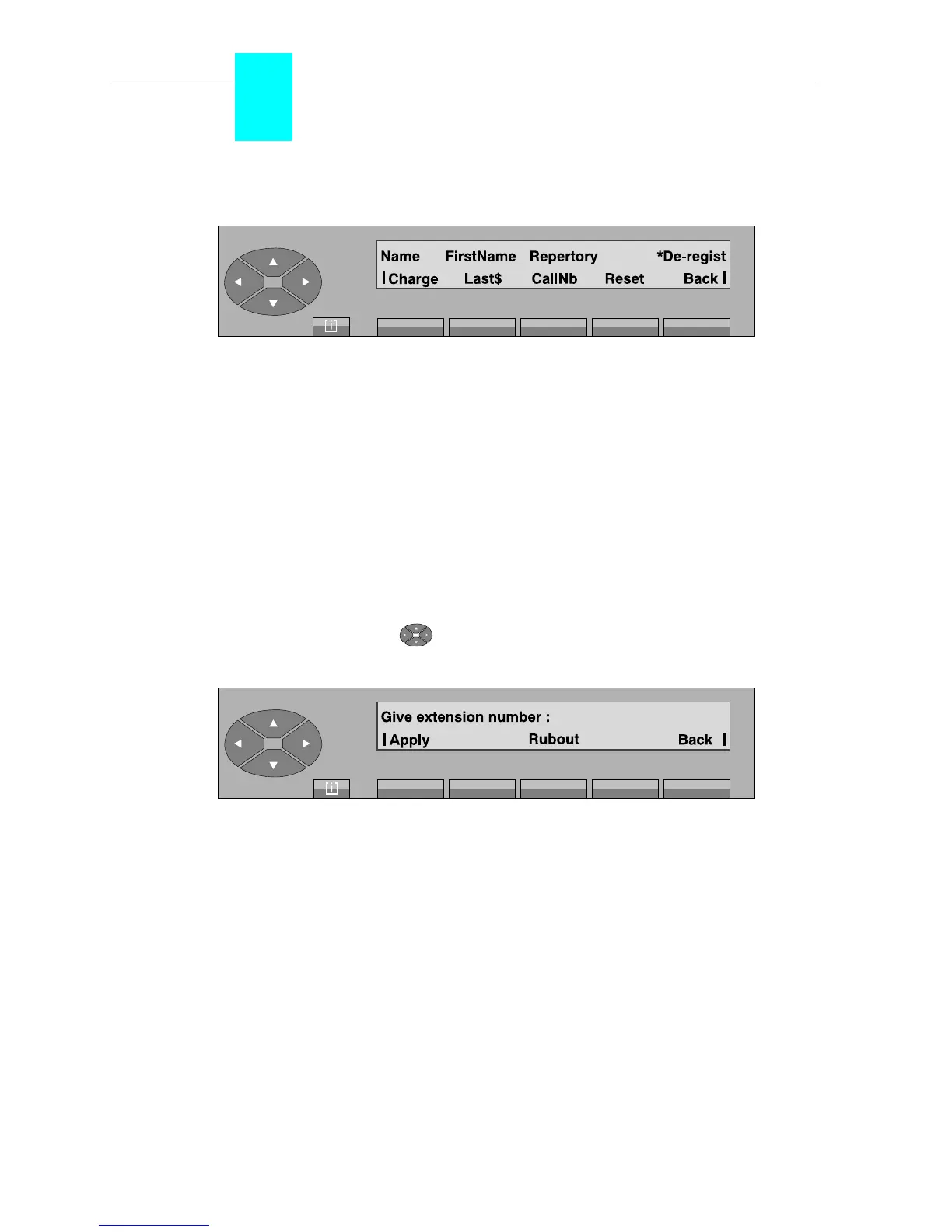
Pressing the «Charge» key displays the following:
Charge used to display the total cost for the calls.
Last$ used to display the cost of the last call.
CallNb used to display the total number of calls.
Reset used to reset the charging counters.
▼ Modification
After entering the repertory number of the Dect mobile set to modify, press the «Apply» key to
display the characteristics (name, first name, category) which can be managed.
▼ Automatic installation procedure
By pressing the top of the « » key, followed by «Inst» or «
■Inst» key, the following is
displayed:
After entering the repertory number of the Dect mobile set, press the «Apply» key to display the
characteristics (name, first name, category) of the user set.
Press again the «Apply» key to install or de-install the Dect mobile set, according to the function
selected. A series of screens will help going through the procedure, according to the Dect mobile
set type which is acknowledged.



 To Next Page